
Pocket Juke: A Music Player That Just Plays Your Music
Pocket Juke is a small Android music player that plays the files already on your phone.
I built it to work from folders: point it at where your music lives and it reads it, even files with no tags at all.
My favorite detail is the Now Playing screen, which takes its color from each album’s artwork and eases smoothly from one record to the next.
Why it exists
I have a big collection of ripped music with almost no tags on it. Every player I tried either refused to see it or turned it into a wall of unknown artists, with ten features standing between me and my folders. I wanted the opposite. Point it at where the music lives and press play.
It is a small app on purpose. Every feature had to earn its place, and most proposed ones did not make it in. I use it every day, and it is on the family’s phones too.
What it does
Point it at folders
No library ceremony. Pick the folders your music lives in and it reads them, working out artists and albums from the way the folders are named.
Color that follows the record
The Now Playing screen takes its color from each album’s artwork and eases smoothly from one record to the next, so the app takes on the character of what you are listening to.
Offline first
It works completely offline. Cover art comes from the folder or the file itself, and it only reaches out to the internet if you turn that on.
Plays everywhere
Full background playback with lock screen and headphone controls, plus controls in the car and on a watch.
A home you arrange
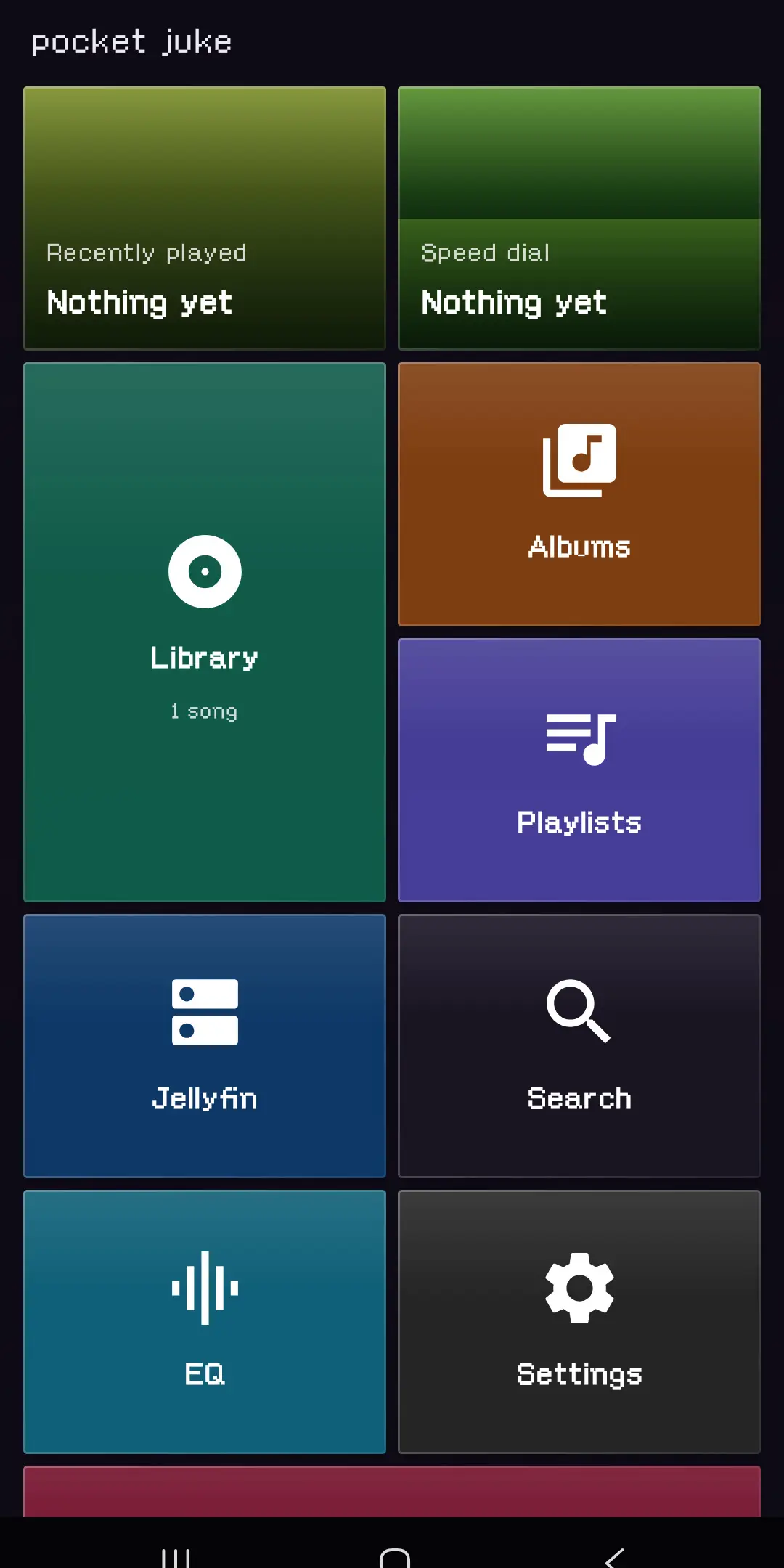
The home screen is a grid of live tiles you can resize and reorder. Long-press a song, an album, or an artist anywhere in the app and pin it there.
Updates itself
Testers get new builds inside the app, no app store required.
How it works
The scanner is parse-only. It reads folder names and filenames, builds its own index, and never rewrites or moves a single file. That is why it can make sense of a library with no tags. The folders already say who the artist is and what the album is called, so the app just listens to them.
Playback runs as a proper background service the system knows about, which is what lets the lock screen, headphones, the car, and a watch all pick it up. And when a song changes, the Now Playing screen pulls a palette from the artwork and eases into it rather than snapping, so moving through an album feels like one continuous thing.