
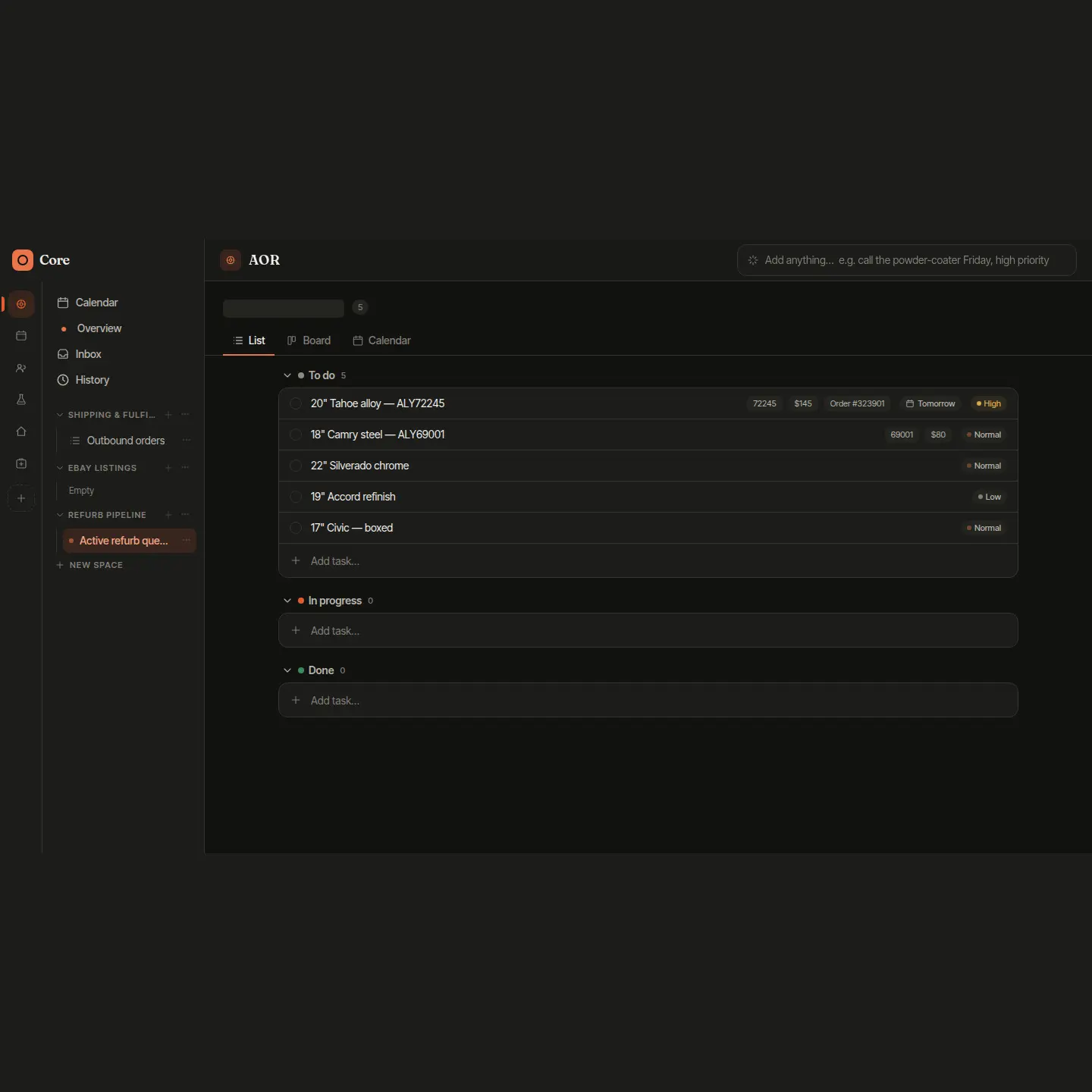
Core: A Self-Hosted Workspace for Projects and Tasks
Core is a self-hosted workspace for projects and tasks: the tool a small business usually rents, built instead.
I built the whole stack: the server, the web app, and an Android client with a home-screen widget and a two-tap capture sheet.
The detail I am proud of is that it became the single source of truth: other systems I run read from it instead of keeping their own lists.
Why it exists
I was tracking my own work in three places and paying for one of them. The subscription was the smallest part of the problem. The real cost was that none of the three knew about each other, and that the history of everything I was doing lived inside someone else’s product.
Building it instead meant the tool could fit the work exactly, and it meant the family’s projects could live in software the family owns. The price never goes up, the data never leaves, and when something else I run needs the task list, it reads from Core instead of keeping its own copy. It is in daily use here, on phones and desktops.
What it does
Work in its real shape
Workspaces, projects, lists, and tasks that nest as deep as the job actually goes, instead of the two levels a product decided everyone should have.
One view for the morning
A Today feed that answers the only question that matters at the start of a day: what is due, what is late, what am I doing first. The day rolls over in the early morning, not at midnight, so a late night does not wipe the list out from under you.
On the phone, at a glance
A home-screen widget shows the day and lets you tick items off right on it, with the check landing instantly. A capture sheet takes a thought in two taps, before it evaporates.
Several people, private by default
Per-person accounts behind an identity gate, so it is reachable from anywhere without being open to anyone. Share a task with someone and they hear about it, including when it gets finished.
Tasks that know where they happen
A task can carry a place, and an opt-in arrival reminder fires once, the next time you actually get there, then stands down.
The calendar in the same view
Calendar events sync in and sit alongside the tasks, so appointments and to-dos read as one day instead of two apps.
How it works
There is one server, one database, and everything else is a window onto it. The web app, the phone app, and the widget all read and write the same source of truth, so nothing ever needs reconciling. Check something off on the widget and it is done everywhere.
The widget’s feed is a single question asked of the server: today’s list first, then due today, then overdue. Push messages nudge the widget the moment something changes somewhere else, and the phone app delivers its own updates, so new builds arrive without a cable or a store. An identity gate checks every request before it reaches the app.