Nico Paint: A Drawing App for Windows
My twin brother draws, and he could not find a drawing app that felt right. The paid ones were bloated. The free ones fought the tablet. The good ones wanted a subscription forever.
So I built one, and named it after him. A clean toolbar, brush controls, a color picker worth using, layers, and undo that actually works. It had to feel like a pen. Pressure and tilt come in smoothed, the rendering runs on the graphics card, and the line keeps up with the hand.
The decision underneath everything else: the drawing is not pixels. I could have flattened each stroke into pixels the moment the pen lifted. Instead every mark stays an editable vector stroke, and the paint is a simulation running on top of it.
Why it exists
It was a gift, and a gift is a good way to find out whether you can really build something. Nobody grades software the way a working artist grades their brush.
It kept growing after that. What began as a pen-and-layers app is now a natural media engine that simulates graphite, charcoal, pastel, and watercolor on paper. It runs on Windows and Linux from the same code, and my twin brother paints in it.
What it does
Made for a pen
Pressure and tilt input with smoothing, so a drawn line looks like a drawn line rather than a shaky mouse path. Three brush engines mean brushes made for the major open drawing tools work here without conversion.
Every stroke stays editable
Underneath the paint, the drawing is vectors. Move or reshape a stroke after the fact and the paint re-simulates around the change. Nothing flattens until you export.
Real media, not filters
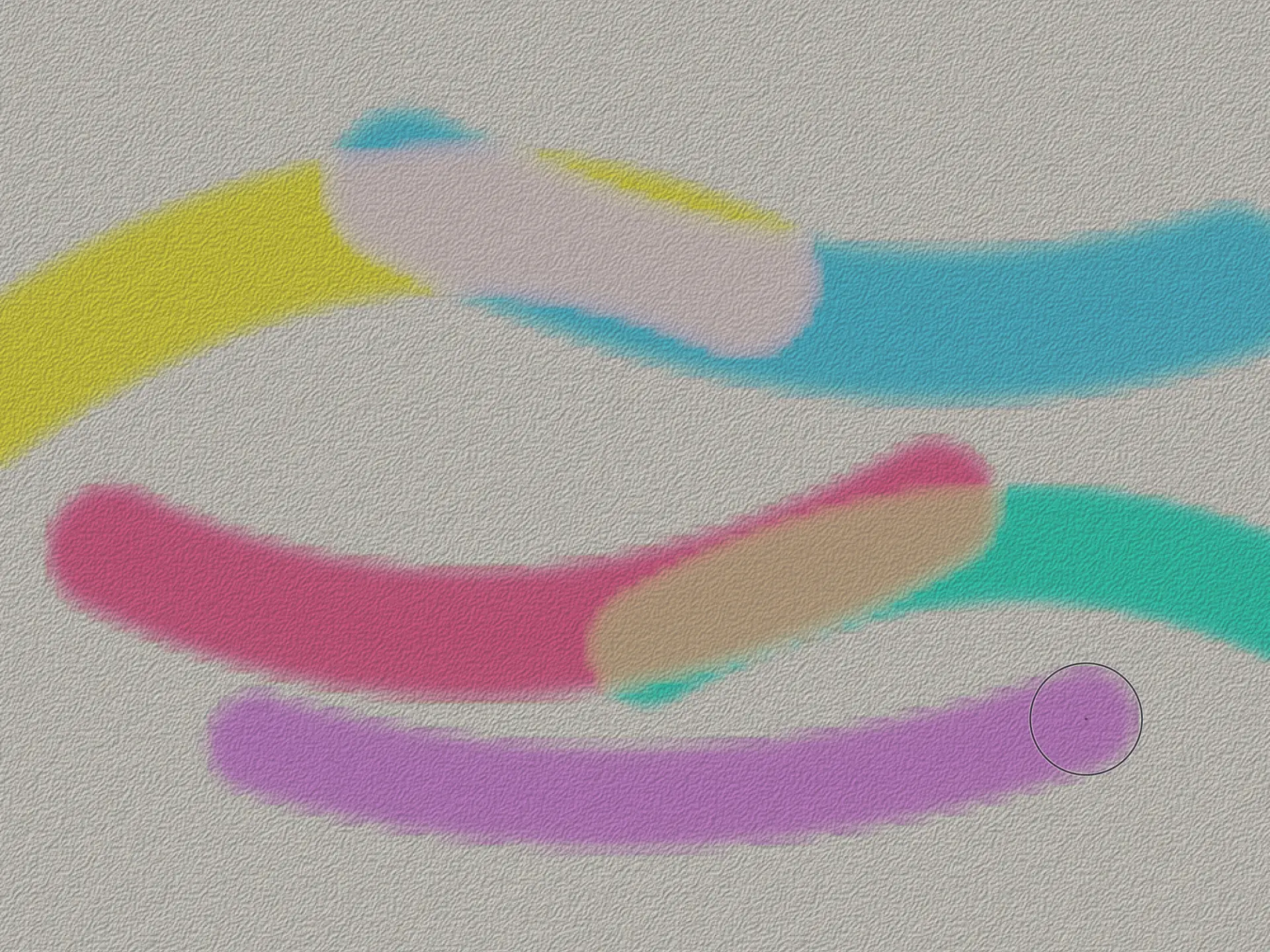
Graphite catches the tooth of the paper and turns waxy where you burnish it. Charcoal goes down dense and matte, pastel chalky and colored. Watercolor bleeds, granulates, and dries with a crisp edge.
Paint that stays wet
Draw over still-wet color and the new stroke picks some of it up. Every layer has its own drying time, and the smudge tool smears whatever is already down.
Undo that branches
History is a tree, not a straight line. Try something, go back, try something else, keep both. A timeline scrubs through the drawing’s whole life.
A glass workspace
The canvas fills the screen. Translucent panels slide in when the pen drifts toward an edge and stay out of the way while you paint.
How it works
The core idea is borrowed from 3D software. Strokes are the geometry, the medium is the material, the canvas is the viewport. Edit a stroke and the app re-deposits the pigment and re-runs the simulation, so a piece stays non-destructive from the first line to the finished render.
Dry media deposit into per-layer fields that track pigment, height, and wetness over a procedural paper texture. Watercolor is a real fluid: water spreads across the sheet, carries pigment with it, pools, and dries. That work is slow, so I moved it off the interface thread. A wash settles in the background under a slim progress sweep while you keep drawing, and live sliders tune how it lands: edge crispness, bleed, granulation.
What you paint against is a fast approximation on the graphics card. What gets saved is computed on the processor, the same way every time.
Where it is headed
It started as a gift, and it is still built for one artist.