For about a decade I kept solving the same problem for different people. A business had a website. Somebody inside that business needed to change what it said. That person did not write HTML, had no reason to want to, and was not going to learn. So every time, I built them the thing that let them do it themselves.
The real problem was the gap between the person who knows what needs to change and the person who can change it. Close it and the business stops waiting on anybody. Leave it open and every small edit turns into a support request.
It started at a school district
The first version was called mySite, and I built it in two weeks in 2002 so that eight schools could maintain their own pages without a developer. A form, a password, and a save button. That whole story is its own case study, including the version three rebuild in 2004 that introduced something I did not know I needed yet: a site chooser. One login, many sites.
Once the tool could hold more than one site it stopped being a favor for a school district and started being a product.
Imagine
I named it Imagine. Between 2007 and 2011 it ran the content on four Payless Car Rental properties, on my own studio’s site, and on client sites including Holistic Alternatives. Same codebase, same interface, different skin each time.
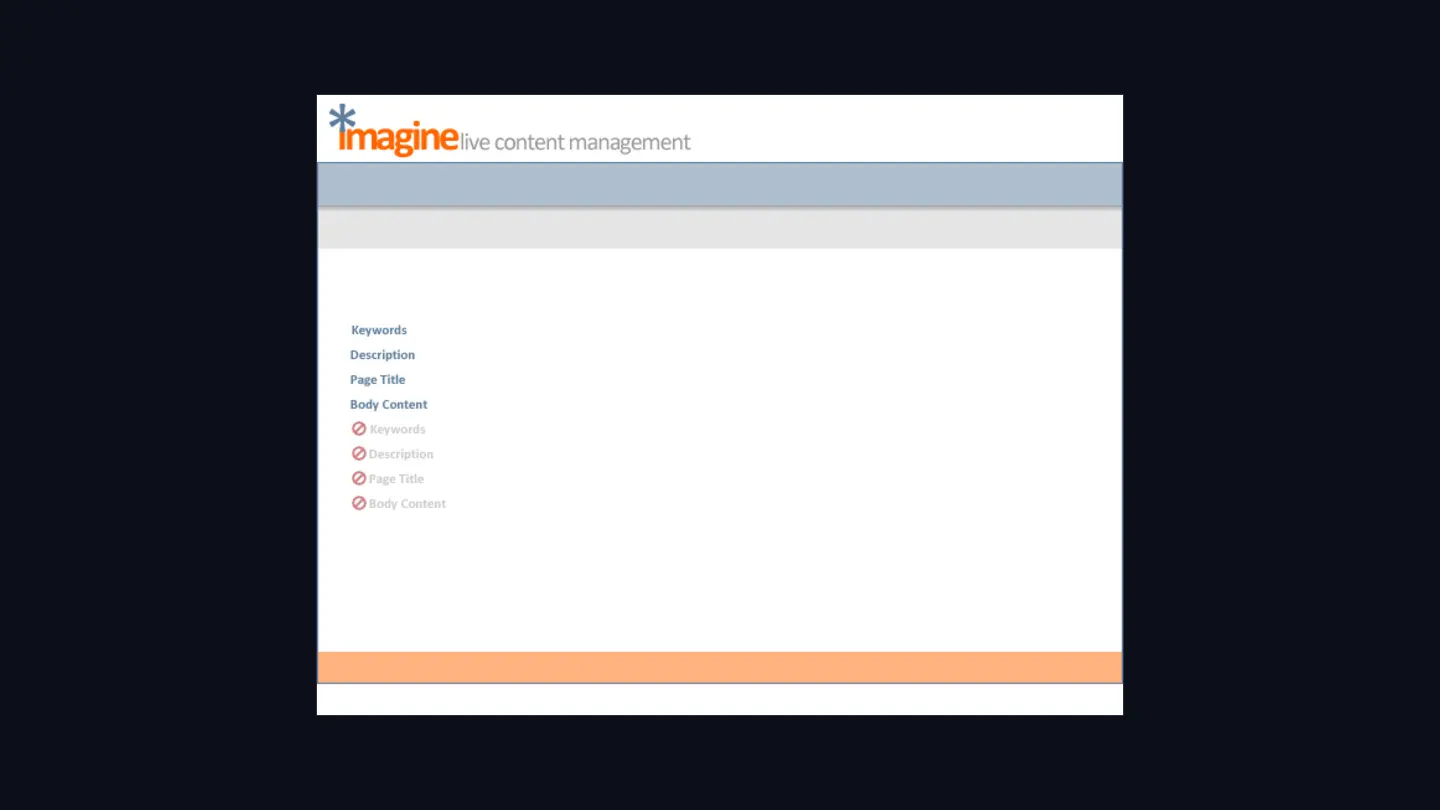
The feature list is boring. Keywords, description, page title, body content. Add a file, edit files, editor settings, administrator tools. Yellow button for the staging copy, green for live.
What I’d point at instead is that I drew the disabled state at the same time as the enabled one, side by side, so neither was left to interpretation.
The same system, wearing different skins
Because Imagine had to be handed to whoever the client was, the interface got rebuilt as a kit rather than as a screen. Every deployment reused the same tab bar, the same message bars, the same button family, recolored to the client’s brand.
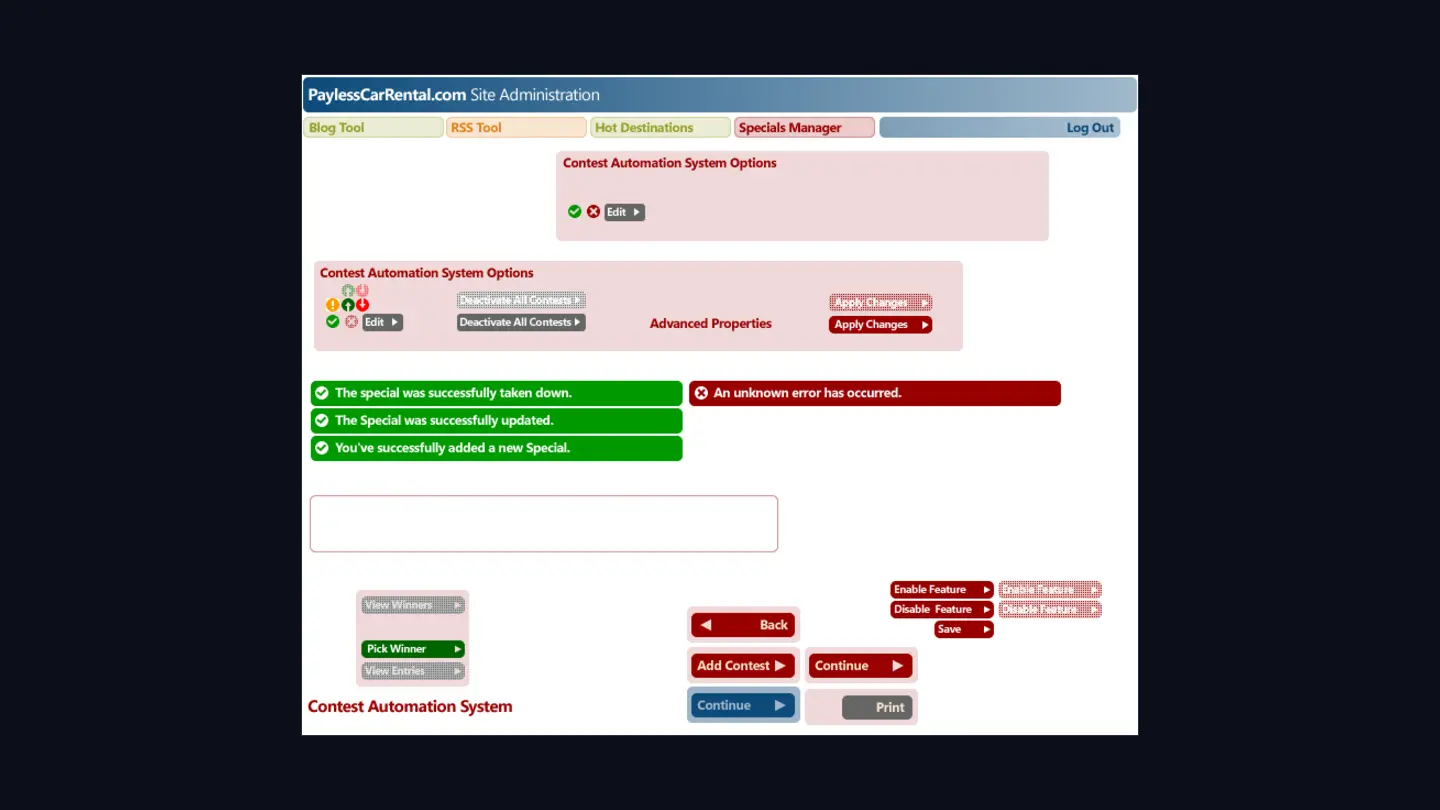
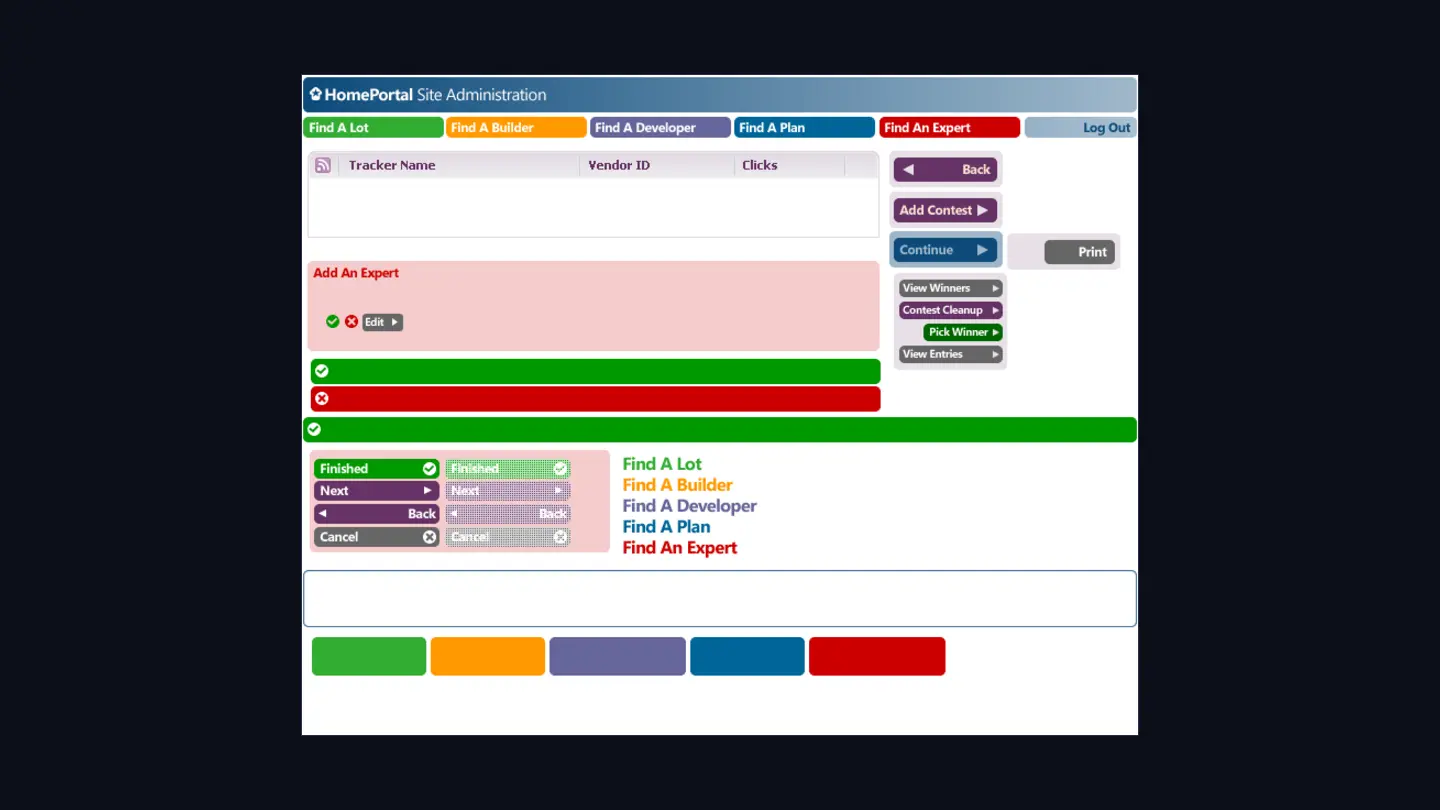
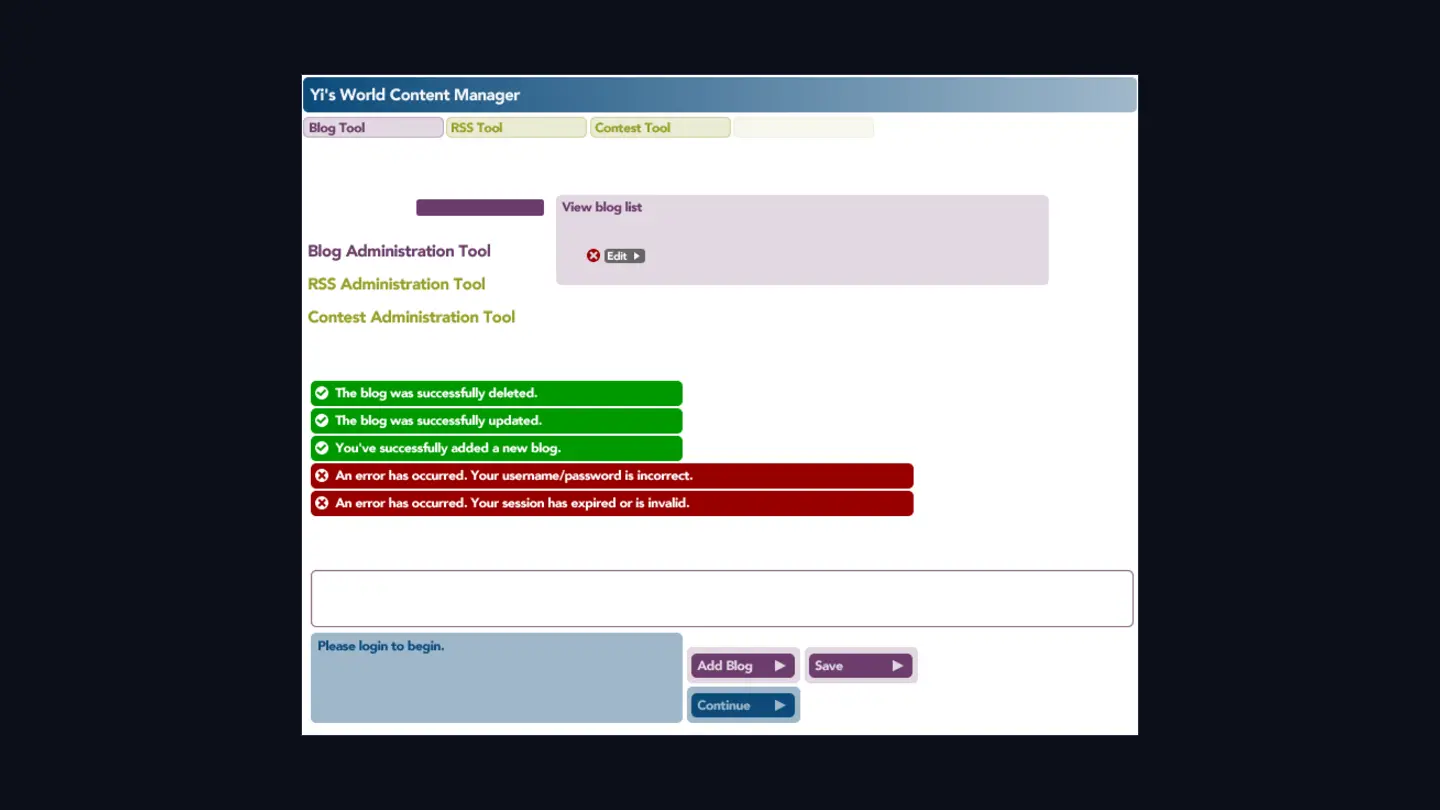
Nobody asked me for a design system and I’d never heard the phrase. It came out of being one person supporting several clients at once. Drawing every button twice was work I didn’t want to do.
A component library, before I knew the words
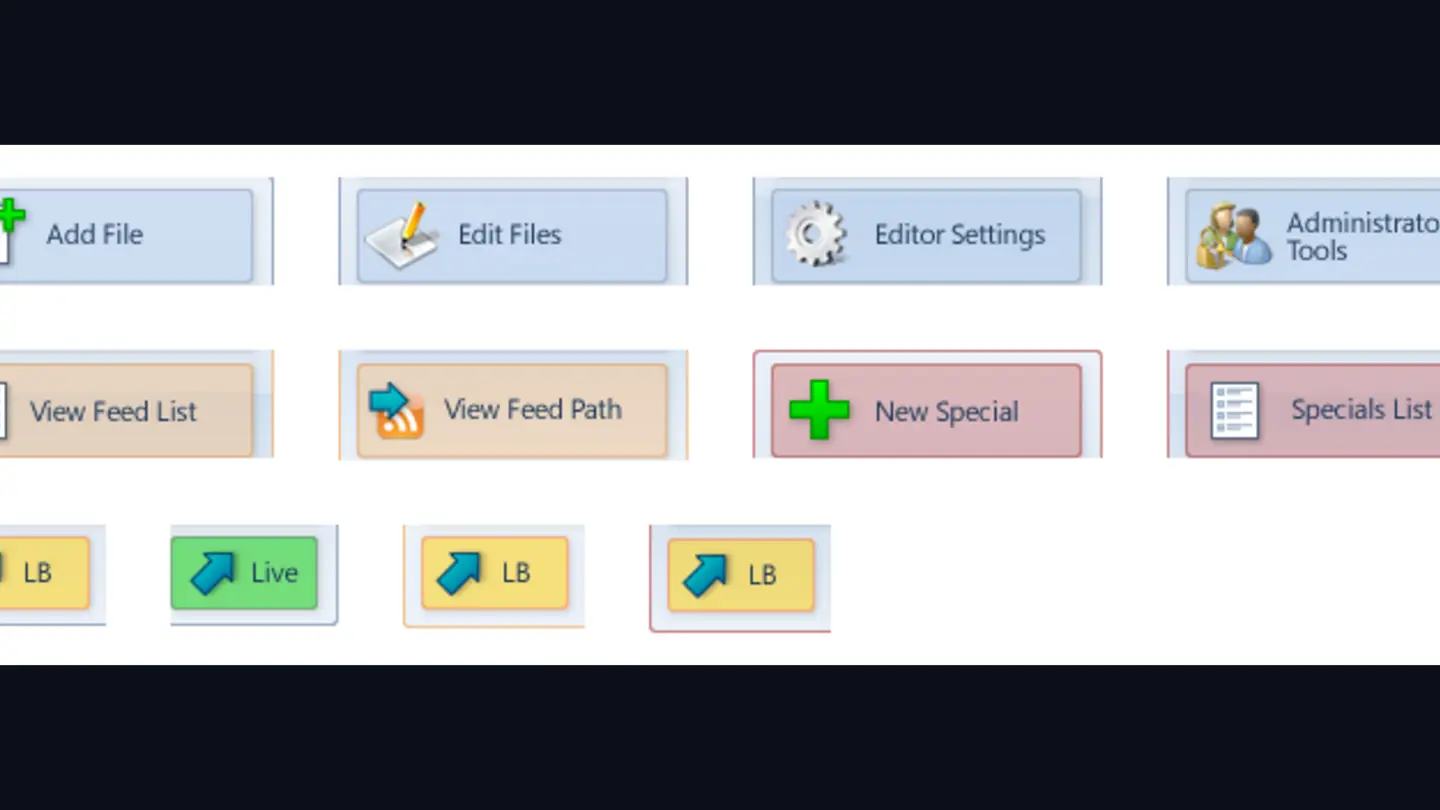
The buttons lived in their own directory, named and numbered by the tool they belonged to. When a client needed a new feature, it got its own set in the same language rather than a one-off control. That’s a component library. I got there sideways, trying to avoid redrawing icons.
The states nobody photographs
Portfolios are full of happy paths: the screen where everything worked and no field is wrong. The files I’m glad I still have are the ones covering the rest of it.
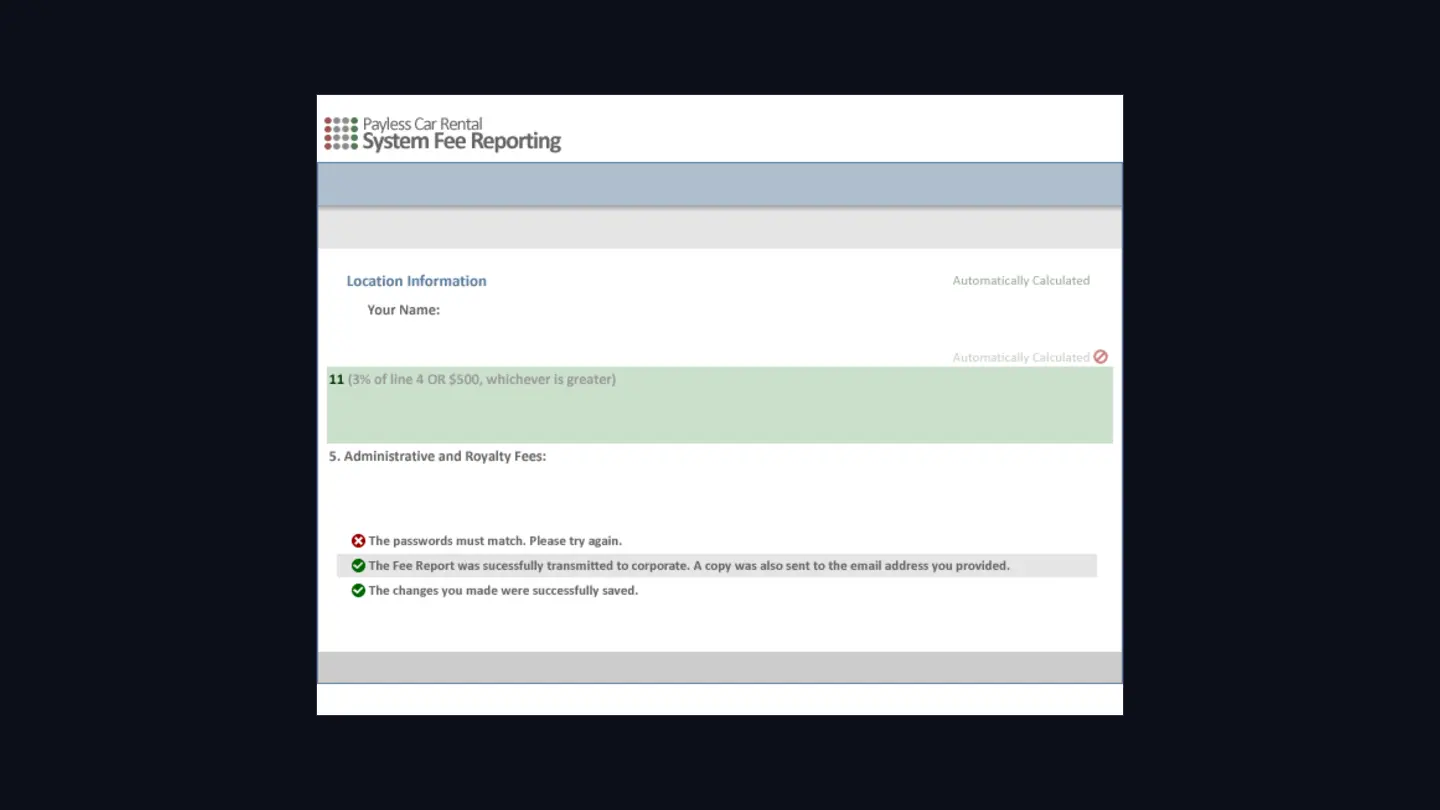
Session expired. Username or password incorrect. You have successfully logged out. The special was successfully taken down. An unknown error has occurred. All of those had to be written, styled and placed before the feature could ship, and each one lands on somebody having a bad time.
Everything else in those years
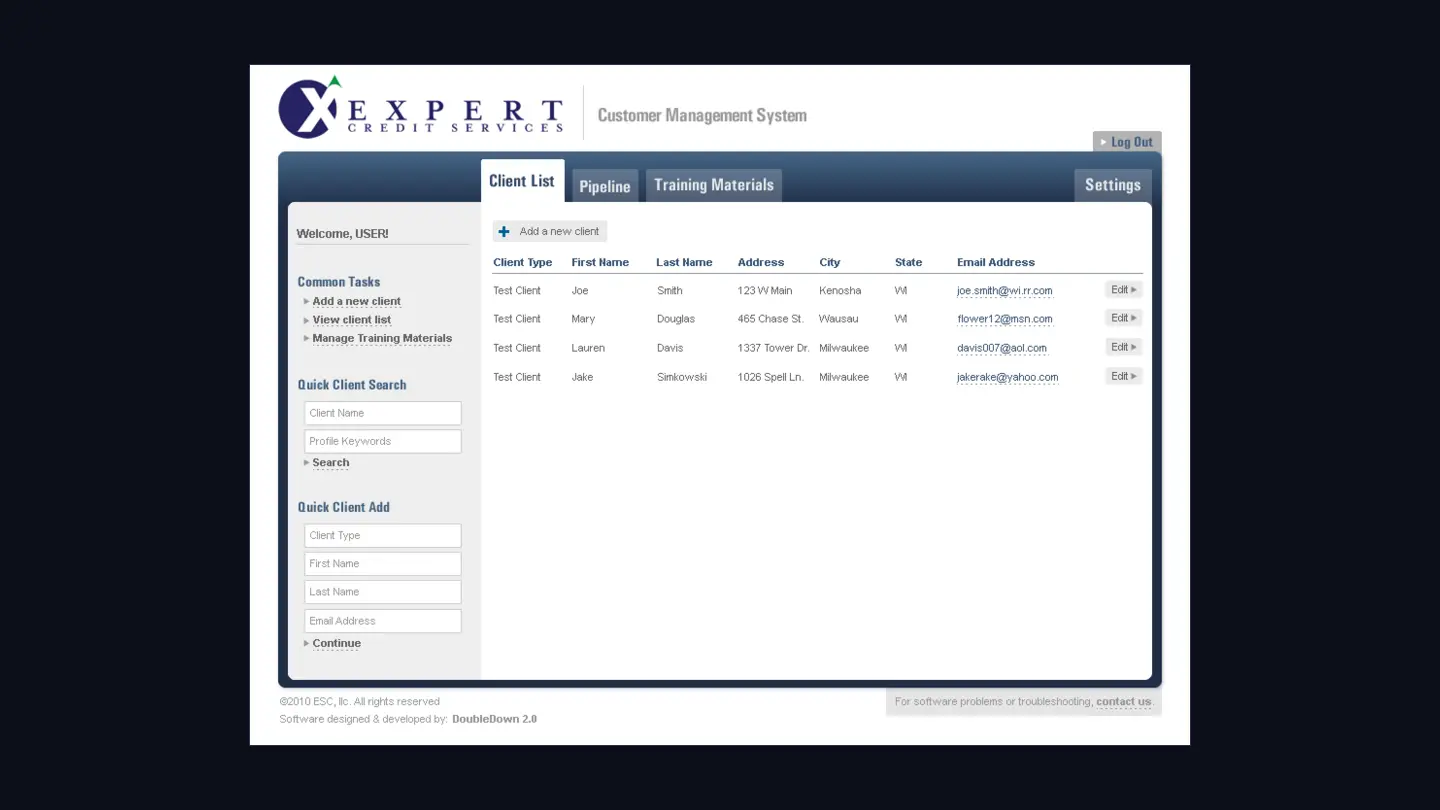
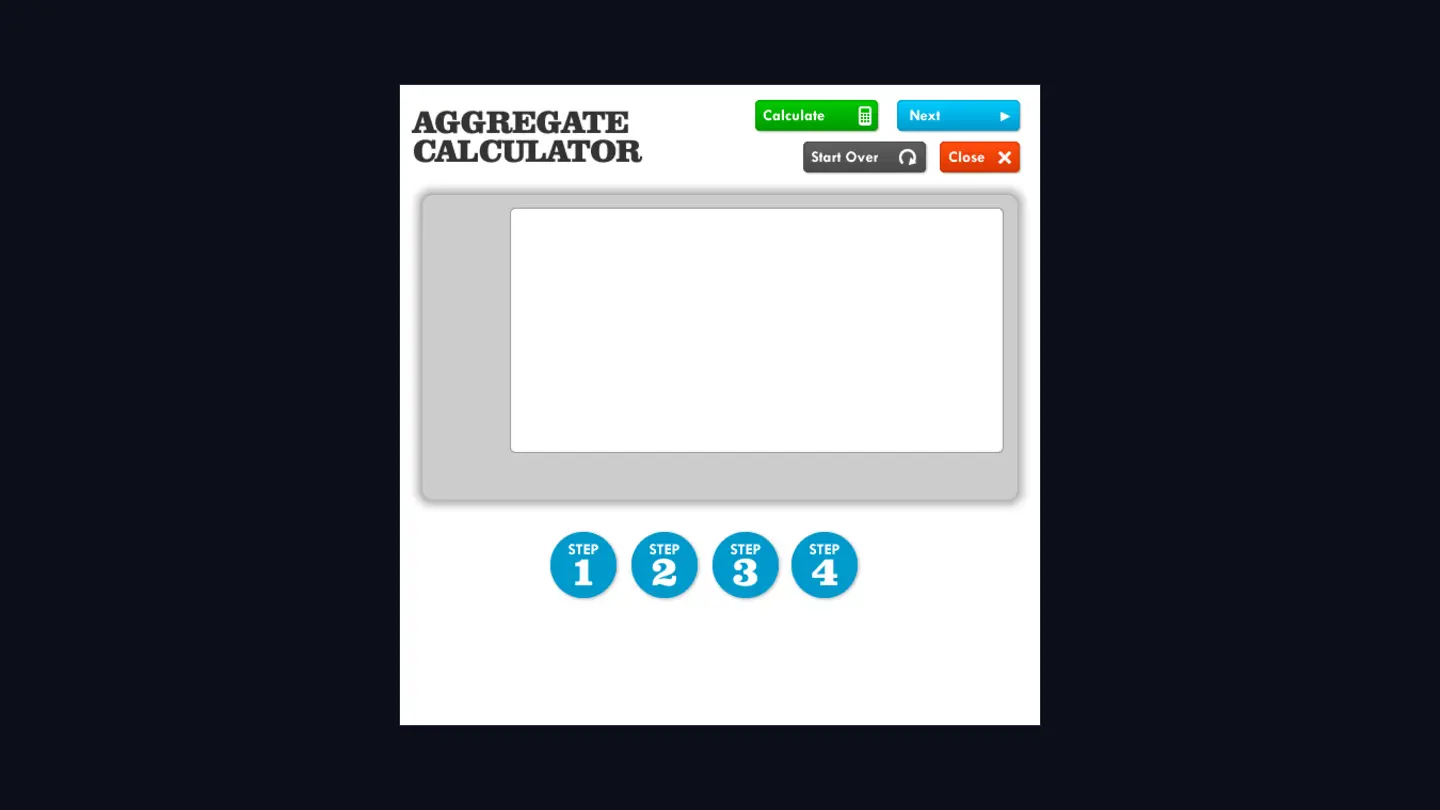
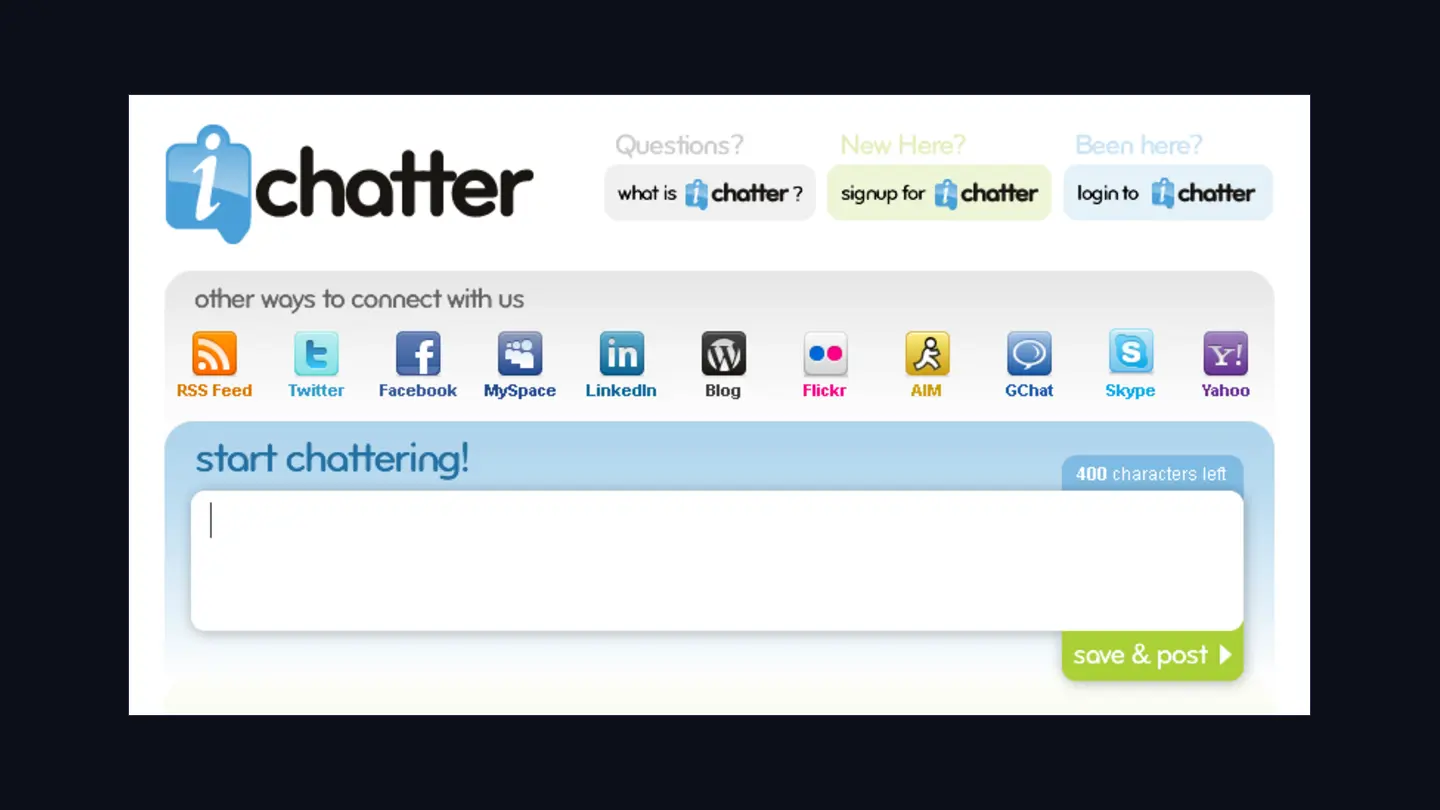
The CMS was the spine, but the same decade produced other interfaces for other people, all doing the same job: give somebody non-technical control of something complicated.
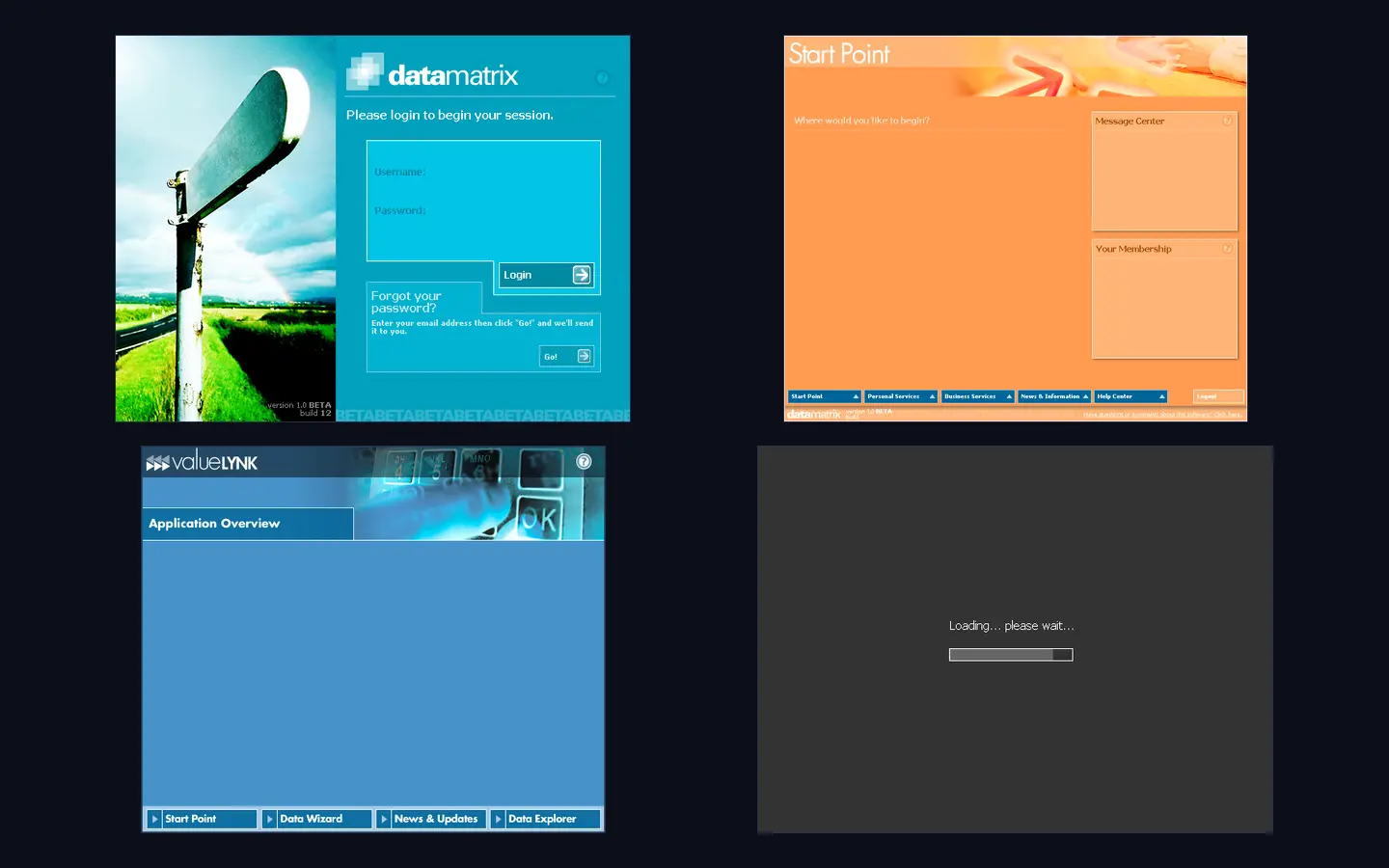
Where it went
Imagine stopped around 2011. The idea didn’t.
The system running AllOEMRims today does the same thing at a bigger scale. It turns raw wheel inventory into finished listings on two marketplaces, and the people using it are warehouse staff on their phones. None of them write HTML. That’s still the point.
Three rebuilds over twenty-four years, all of it the same sentence: the person who knows what needs to change should be able to change it.