In June 2026 I had 1,076 MP3s on my phone and no player that could show them as a library. The rips have no tags. No ID3 fields, no embedded artwork, nothing. Every player I tried did one of two things with that. It read tags and gave me a wall of “Unknown Artist,” or it browsed raw folders and gave me filenames. Neither is a library.
I wanted the third thing, and I wanted it small. The spec I wrote on 2026-06-04 opens with a sentence that still holds: a no-bloat Android music player, point it at a few folders and it plays. No ads, no accounts, no internet required to play a song I already own. It’s sideloaded to a few people I handed it to directly. It has never been on the Play Store, and that was written into the first spec’s non-goals.
The scanner, and the folders I had to rename
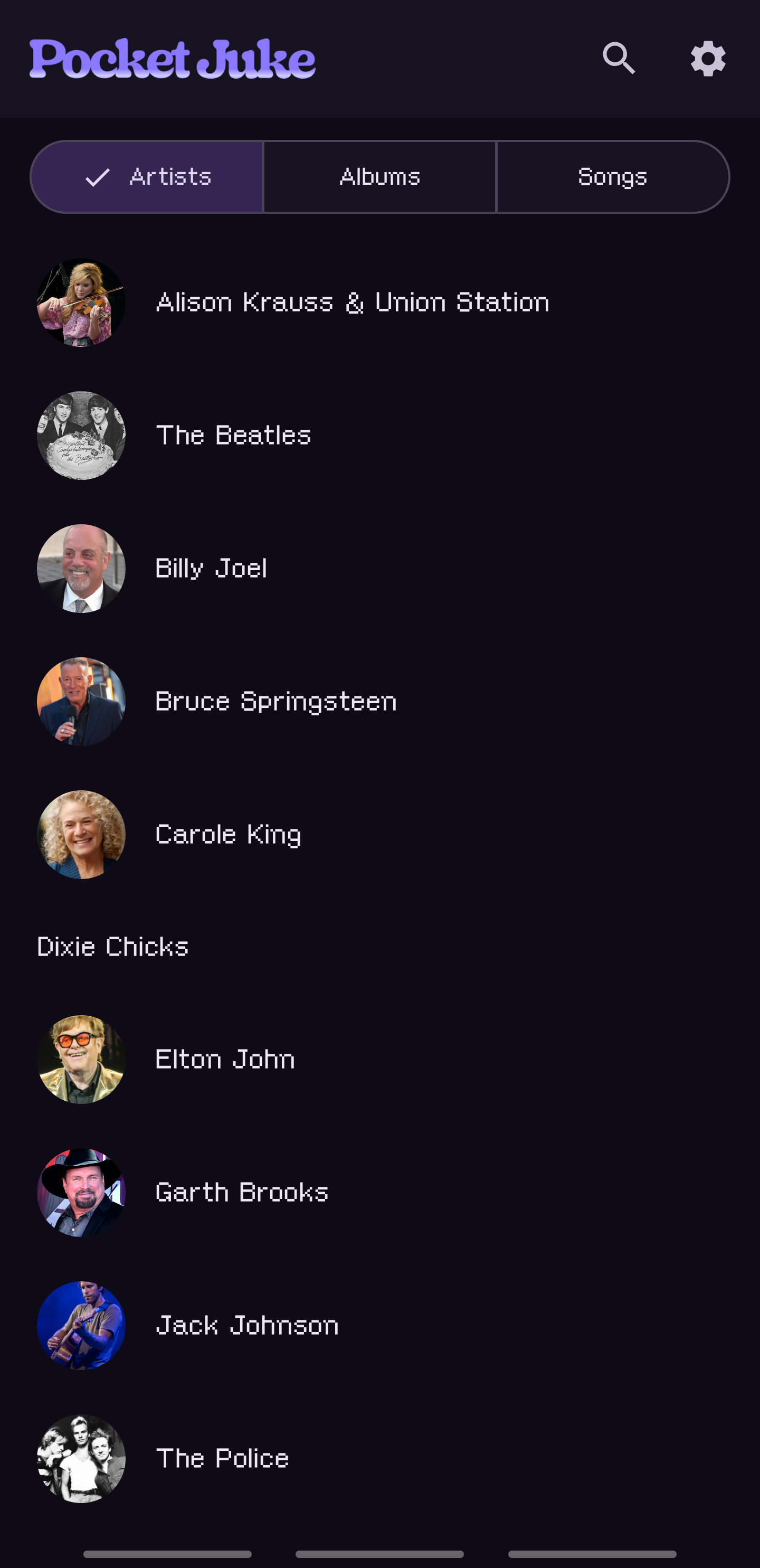
The library is built from what’s on disk, because there’s nothing else to build it from. The scanner walks the folders I grant it and reads the structure as meaning: the granted folder is the artist, the folder under it is the album, and the filename is the track. A year at the front of an album folder becomes the year.
That’s a contract, and my own files didn’t meet it. The real rips are three levels deep - an artist discography, a category folder like “1 Studio albums”, then a folder named with a year, a title, an edition and a quality marker. The first on-device scan on 2026-06-24 surfaced six defects in one pass. The parser kept the quality marker and the edition cruft in album titles. One collaboration album renamed the whole artist. Enrichment blocked the first-run screen for about 13 minutes. And a folder of 1,076 tracks never opened at all, because the app was resolving art for every track before it showed anything.
The worst one was on me, not the code. On 2026-08-27 I granted the whole Music folder at once and every track landed under a single artist named “Music.” The scanner was doing exactly what it said. So I rearranged the library instead: each discography granted as its own folder, the Billy Joel rips reorganized from their own tags into the layout the scanner expects, the Elton John set rebuilt. The same day the parser learned the “year - album” folder style, which it had been turning into a stray dash at the front of every title. It’s a workaround as much as a fix, and I say so below.
What was wrong before it was right
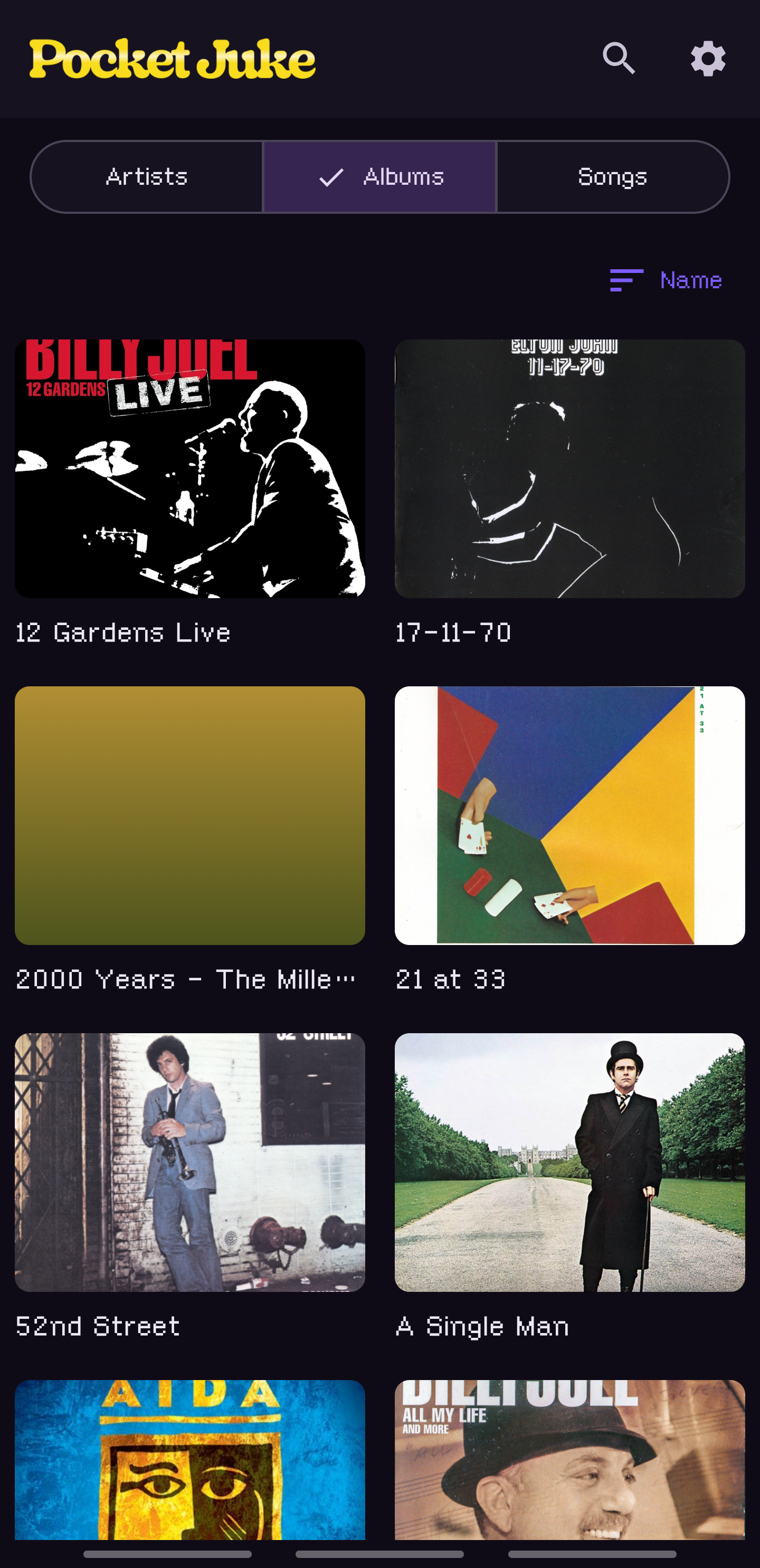
A parsed library is only as good as the names in it, so every album gets looked up at MusicBrainz and corrected against the real release: canonical title, year, track titles, and a cover fetched from the Cover Art Archive and cached. Both are open, keyless and redistribution-friendly, which is the only kind of source I’ll use here. I rejected the two popular art providers for the same reason they’d left my own media server with roughly 44% of its albums art-less.
The first enrichment pass matched 625 of the 1,076 tracks and found 38 covers. The rest was tuning, and most of it came from using the thing. On 2026-07-08 I reported wrong and misordered song titles on the Elton John albums. The cause was two-disc releases flattened into one list, with the second disc overwriting the first. The same evening a song wouldn’t play, and that one wasn’t code at all: 83 files across five albums were hidden temp copies left by a copy that died halfway, full size and zero-filled. The player was right to refuse them.
The best catch was a generalization. By August, 57 real covers were sitting in app storage while the mini player, Now Playing, search and the home tiles all drew gradients, because only the Library tab knew where the covers lived. My note was that the album has a cover, so technically the song should too. That put the fix in one place, the art waterfall, instead of in five patched screens. Covers are matched by album id and never by name, as enrichment rewrites the title while a track keeps its parsed one. By the end of that session 59 of 67 albums had real art.
Artist headshots came later, through MusicBrainz to Wikidata to Wikimedia Commons, the same keyless rule. Not every artist has one there, and the app shows the name without one rather than guess.
The brand
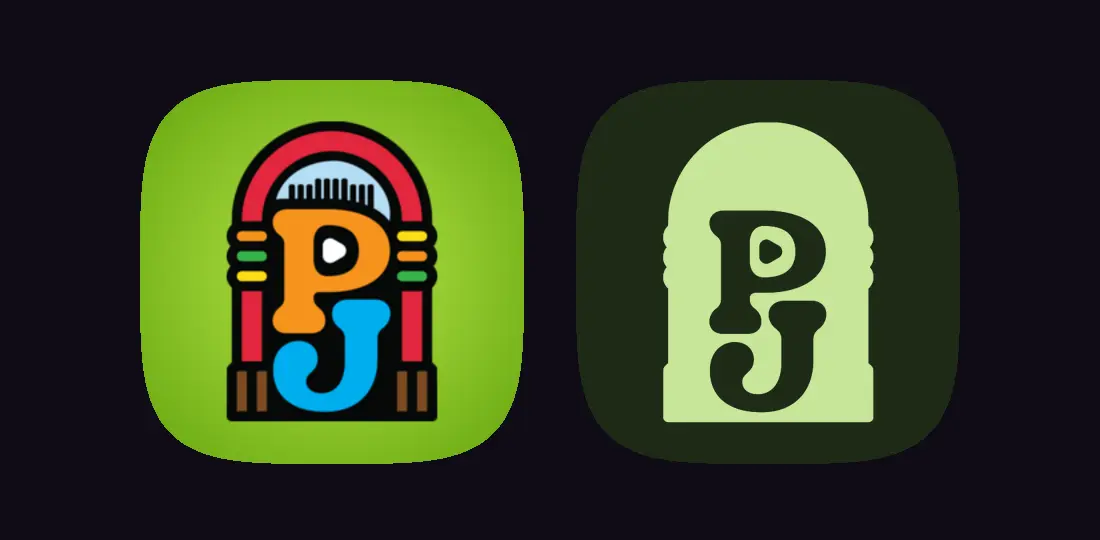
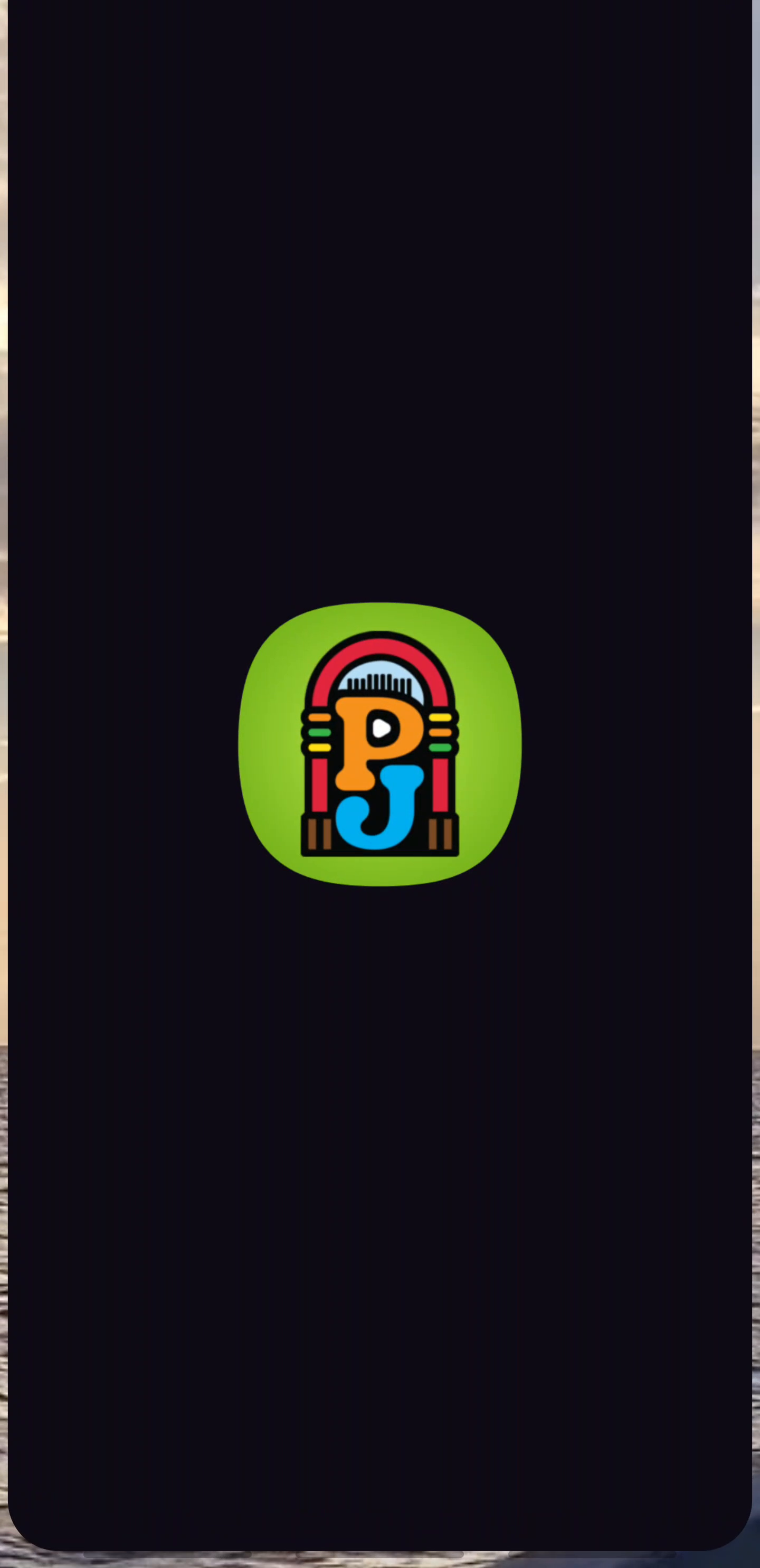
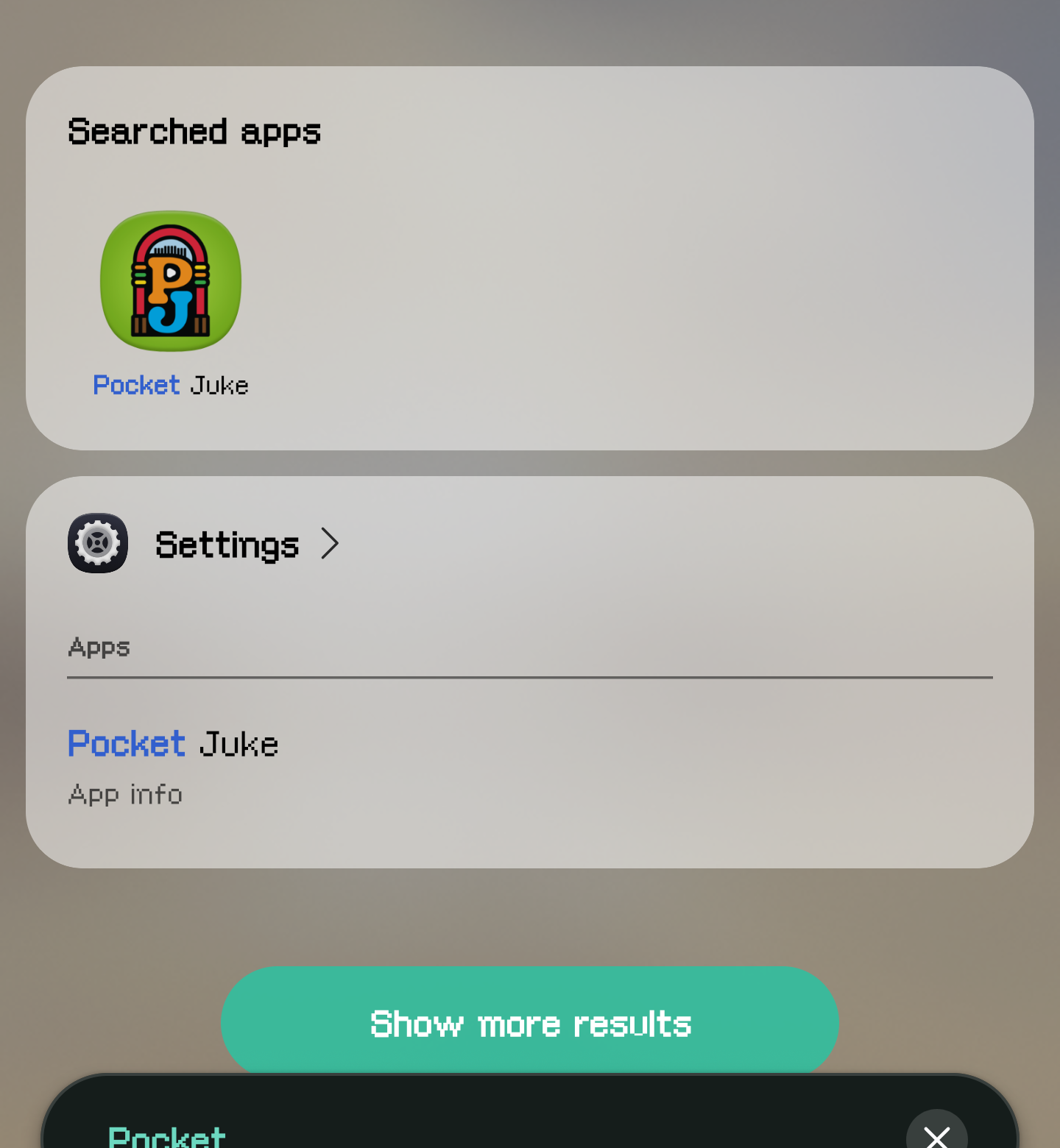
For most of its life the app had no icon. It showed the stock Android robot. On 2026-09-21 I drew the brand in Illustrator: a jukebox with a P and a J in the arch, and a white “Pocket Juke” wordmark. I put the mark on a lime disc for the launcher. I tried it on a dozen backgrounds, and the lime was the one where the red arch, the orange P and the blue J had the most pop. Brand violet was the tidier argument and it lost. There’s a monochrome layer too, so a phone with themed icons gets a clean silhouette with the P and J knocked out.
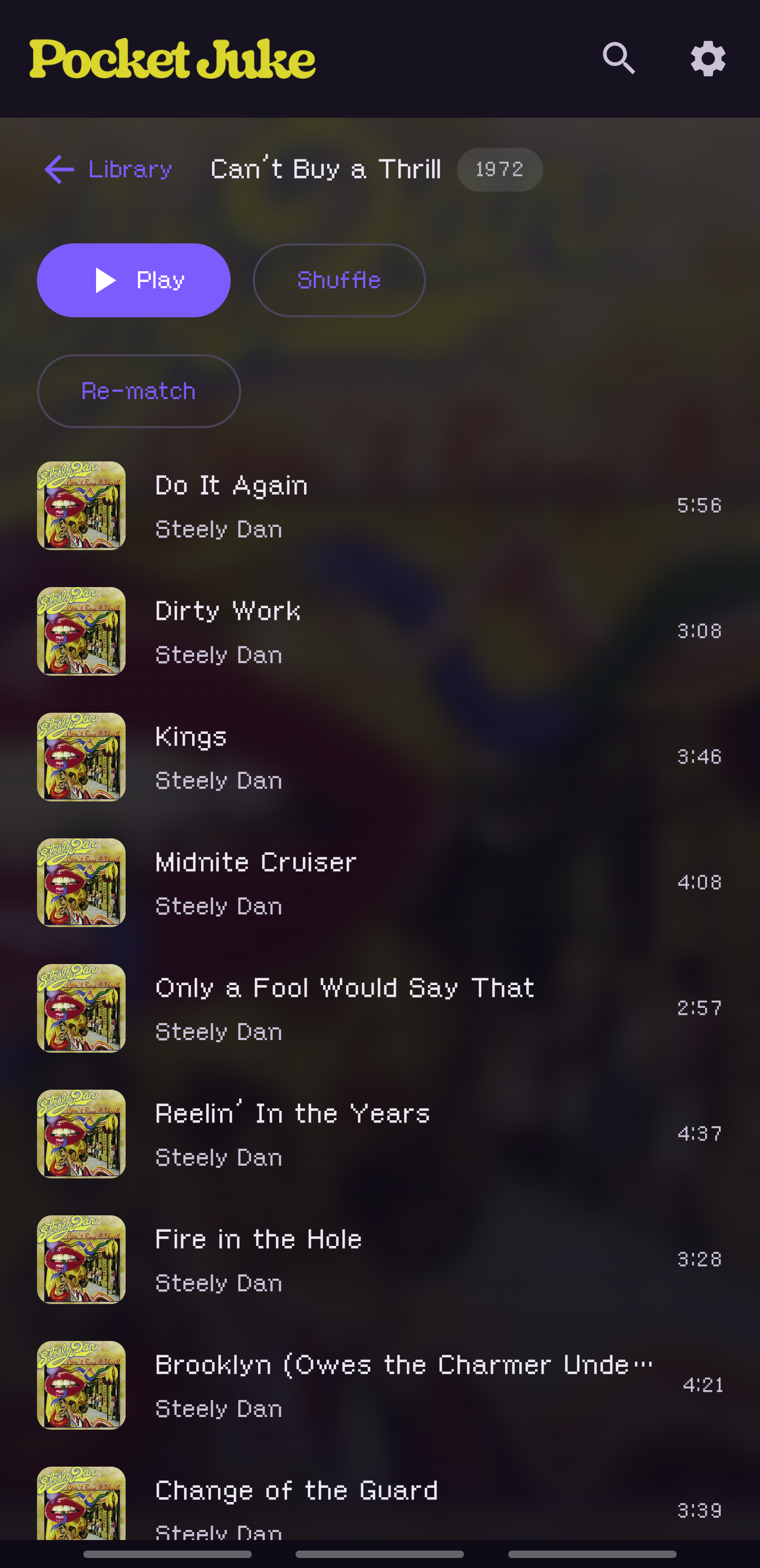
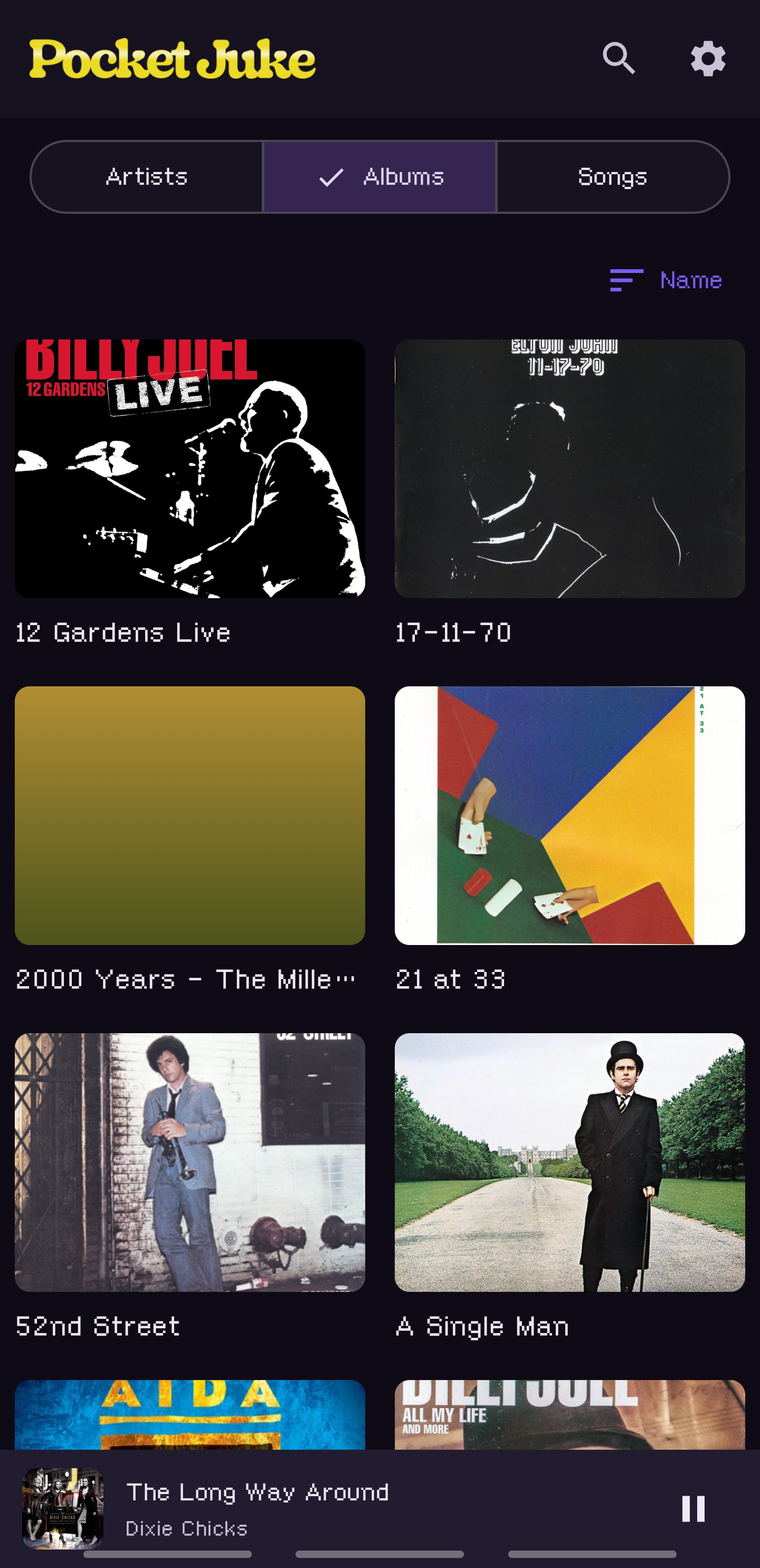
Then the inner pages. They had no branding at all, and I wanted something reminiscent of the old jukebox color animations, so I demoed six treatments on the real wordmark and kept two: the letters cycle through the mark’s six lamp colors over nine seconds, and a lighter band rises through them like a bubble in a tube. The same six colors drift upward behind the splash and, since the same night, behind the home tiles, with bubbles climbing through. The wordmark sits in the header of every screen now, lit.
The home and Now Playing
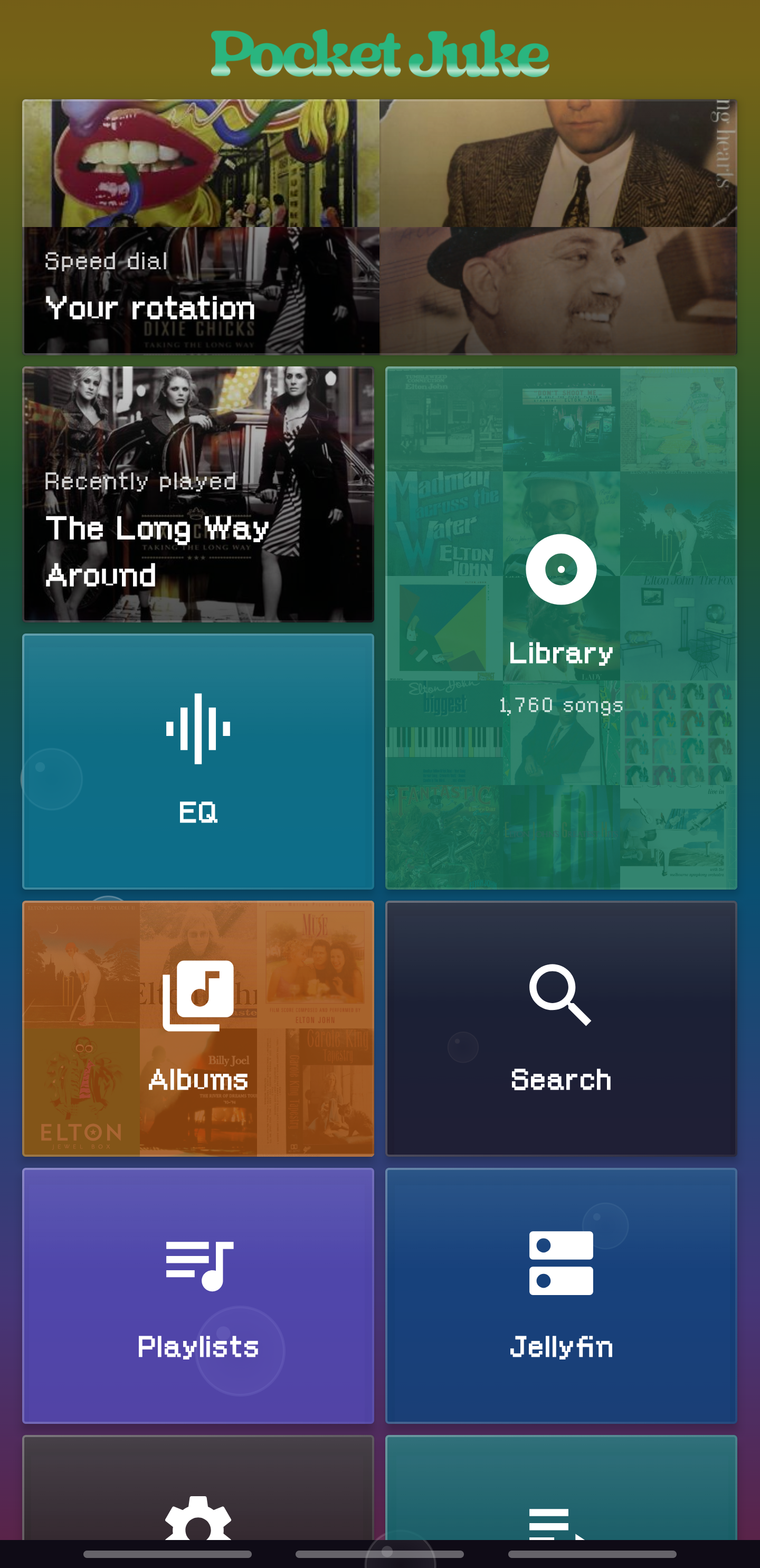
The home is a Metro grid of glass tiles over that rainbow. Four units wide, four tile sizes, so a tall tile is exactly two small ones high and two squares fit beside it. Long-press and the tiles wiggle. You can drag them, resize them, and pin any song, album or artist to the grid from a long-press anywhere in the library. The layout is yours and it persists.
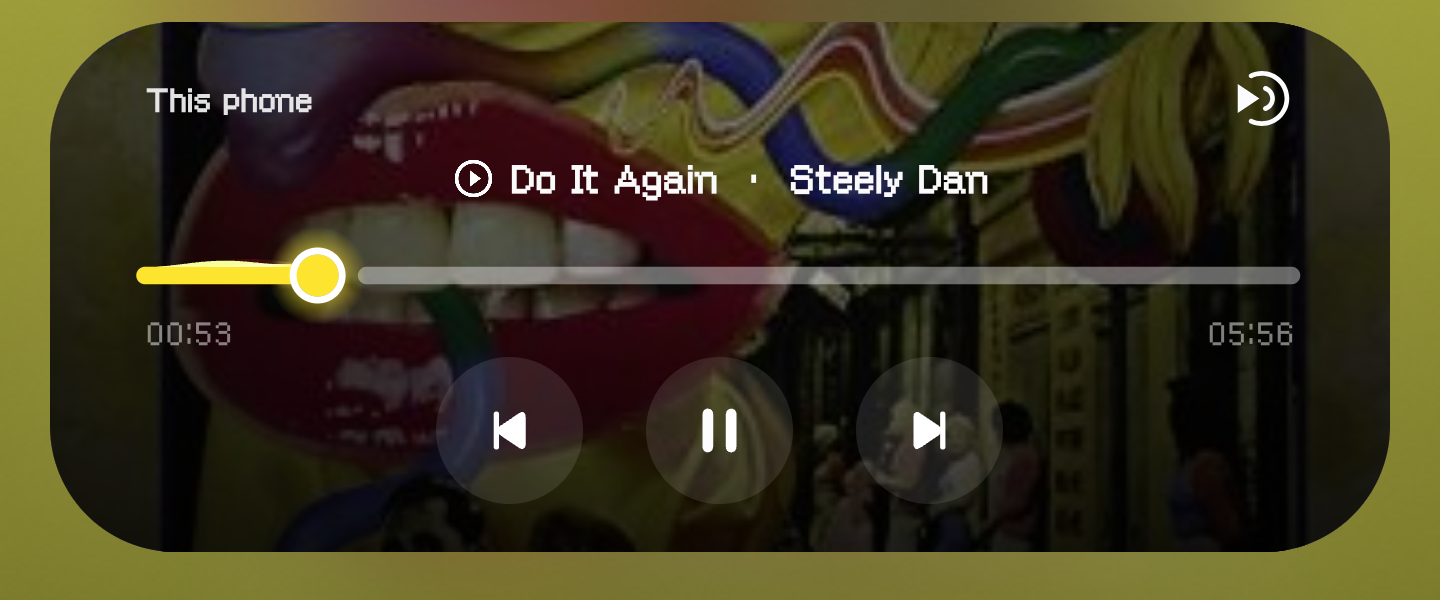
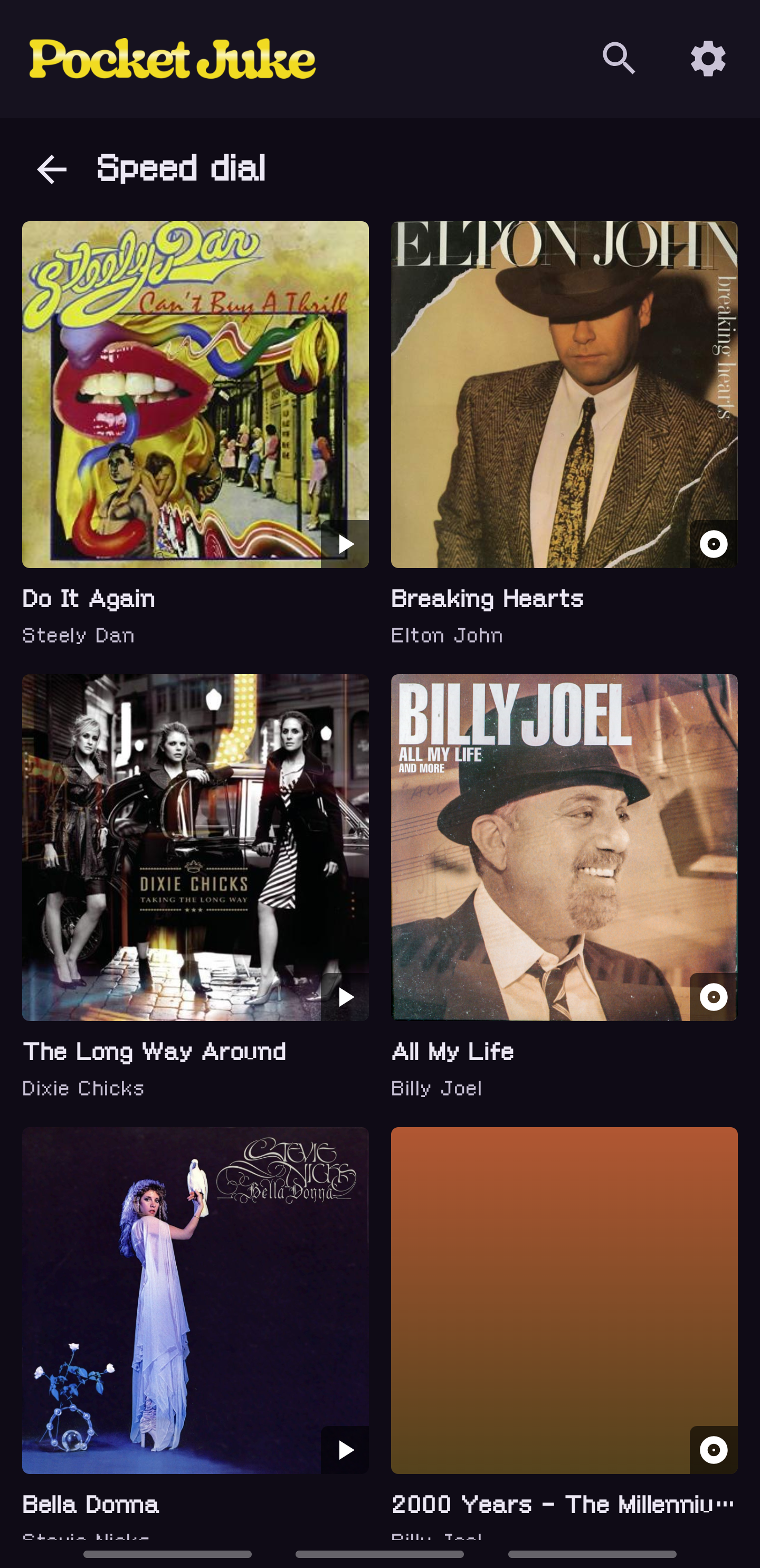
Speed Dial is the tile I use most. It scores everything I’ve played by recency, with a two-week half life, and interleaves songs and albums so the picks stay mixed. Recently played sits beside it. Both carry the real covers, and when something is playing the current album’s art takes over the whole background, cross-fading as the song changes.
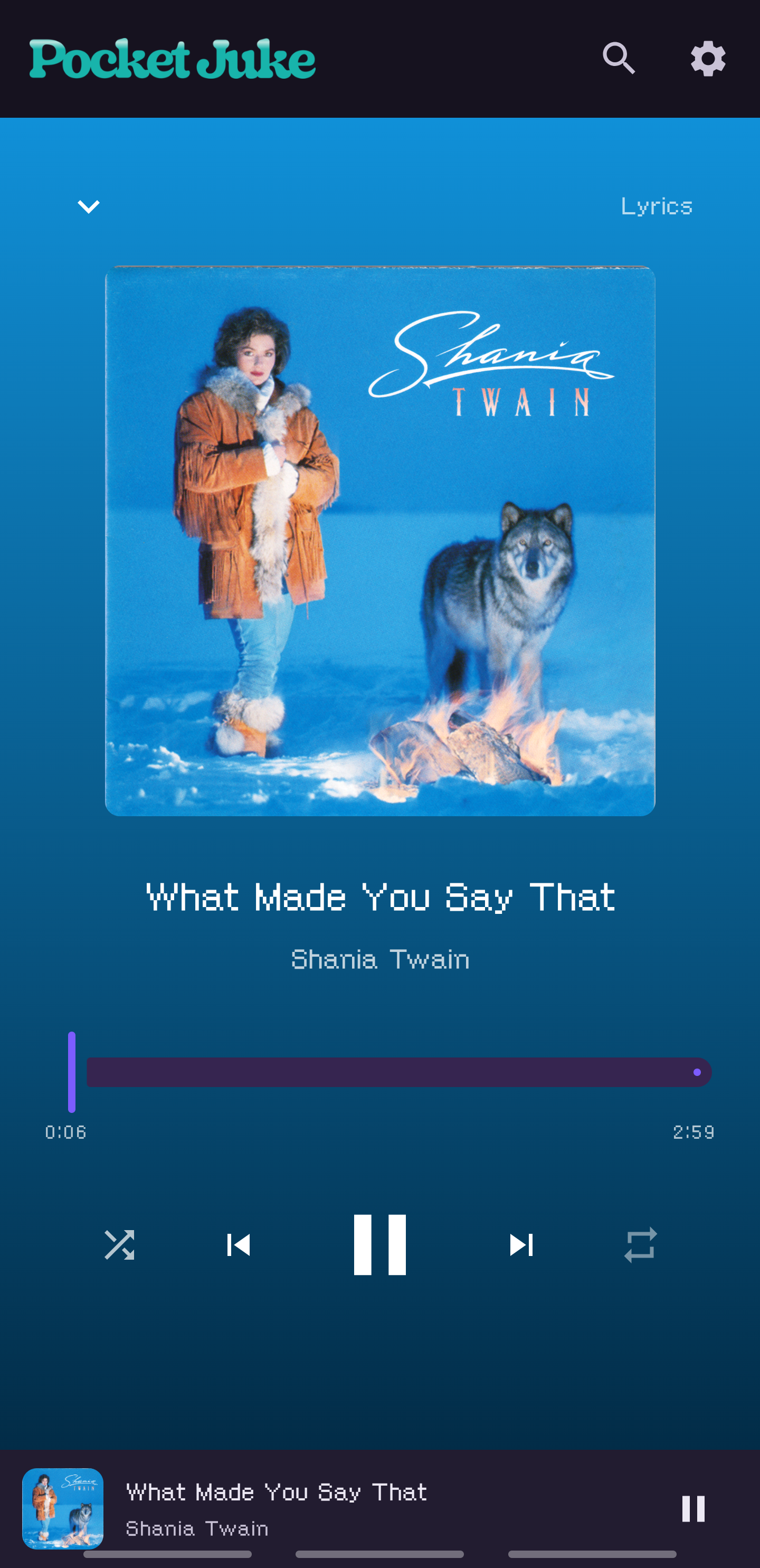
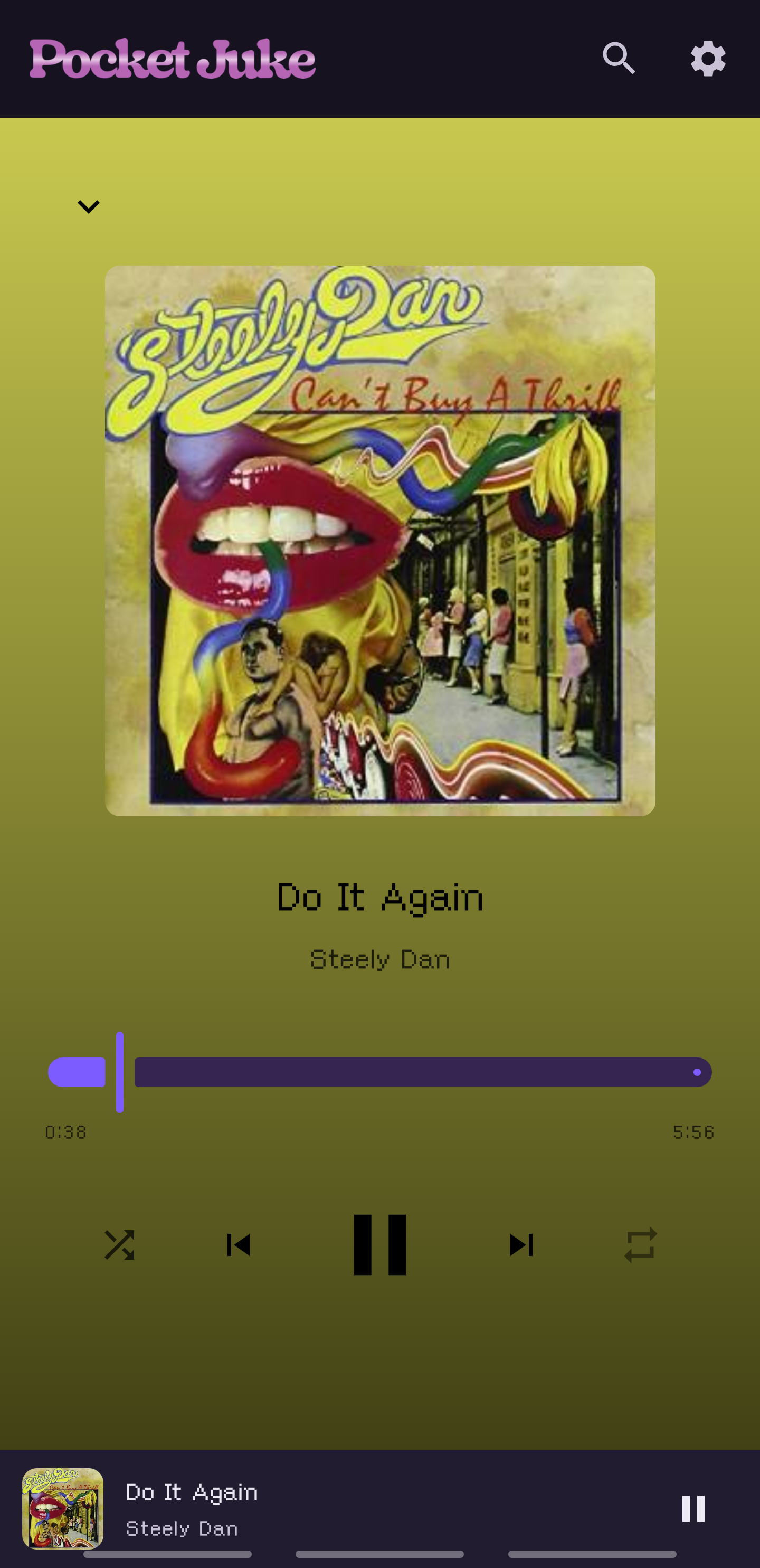
Now Playing is full-bleed art with a gradient scrim, and the color comes from the cover. Each song change cross-fades the palette in Oklab over about 600 milliseconds rather than snapping, as a straight sRGB fade passes through a muddy gray midpoint and Oklab doesn’t. The rest of the chrome stays a fixed violet so a primary action always looks the same. The mini player stays pinned at the bottom of every screen, and the notification carries the artwork so the shade colors itself from the cover.
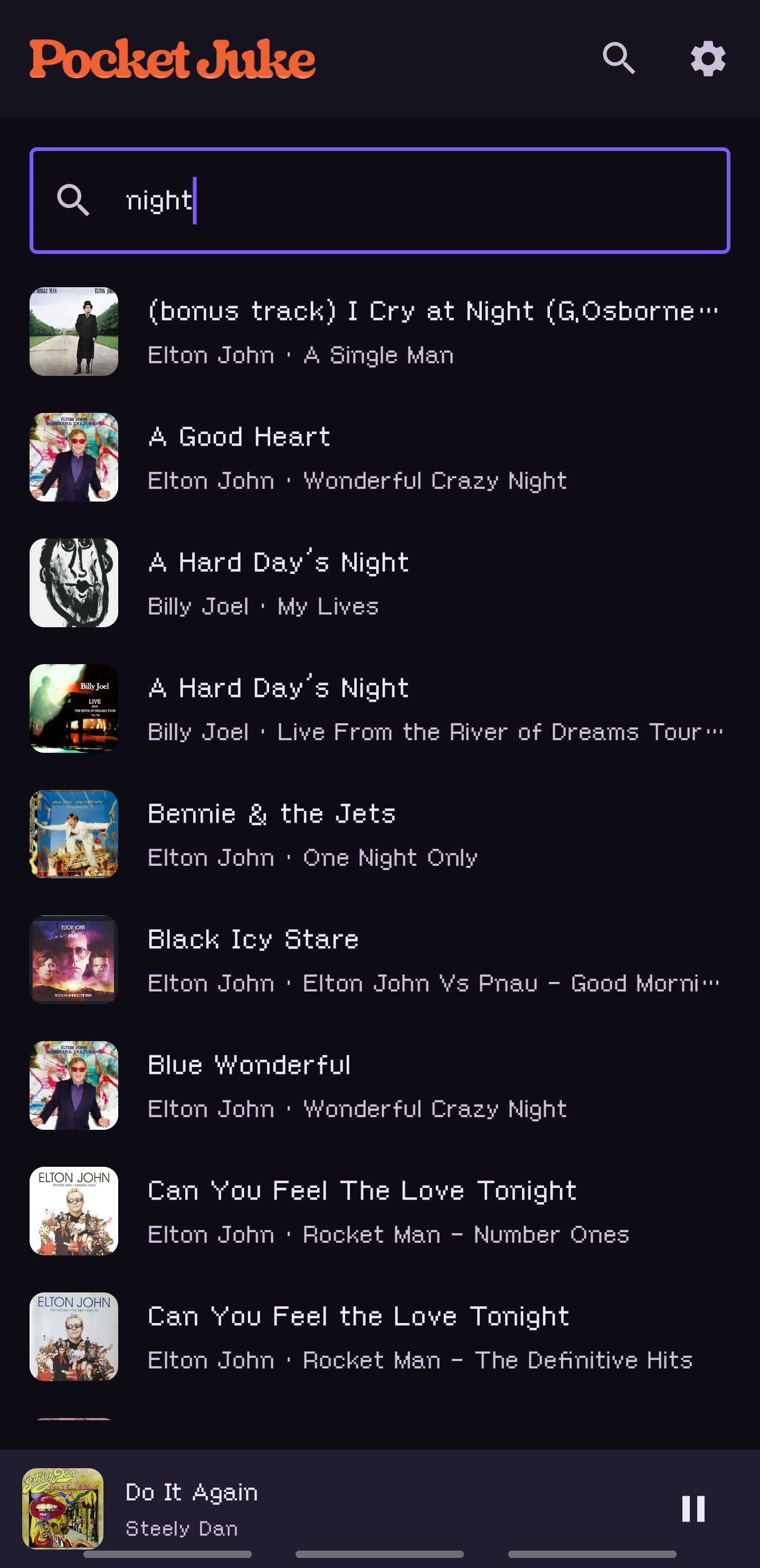
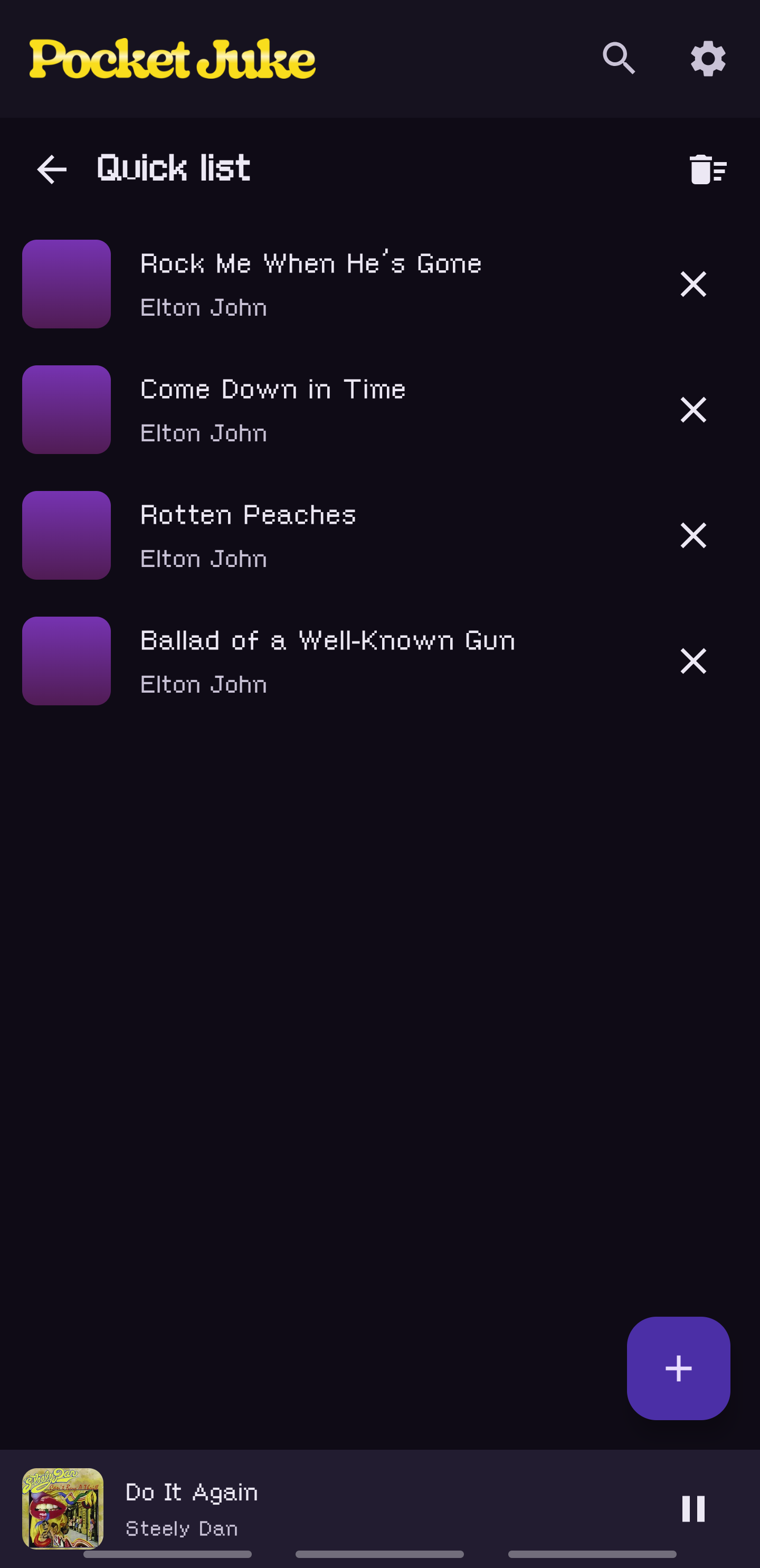
Quick List is a scratch pad. Long-press a song, add it, and when the list is worth keeping the plus button saves it as a playlist. Search opens a result inside its album with the song highlighted, instead of playing it cold.
The honest state
It’s version 0.6.0, the thirteenth build, and it runs on my phone every day. Two other people test it. It’s still shaped around one library, mine.
The build on my phone sits on two feature branches stacked on each other, and neither is merged. The main branch still says 0.2.0. That’s a choice I keep deferring, and every session carries the cost of it.
The granted folder name is still the artist, so the “Music” trap is still there for anyone who grants the top folder. There are two album screens, the one the Library tab opens and the one the home tiles open, and they’ve drifted apart once already. Gapless is assessed and parked until I test it by ear on a live album. One album has no cover anywhere on the Cover Art Archive and stays a gradient, which is honest and still annoys me. And it’s still sideloaded.
How it got built
I didn’t write the code. Since 2026 I direct AI to build these: I plan the thing, I make the calls, and I test it on a real phone. The brainstorm on 2026-06-04 rendered the options as live comparison pages and I picked from what I could see. The first plan ran on my phone on 2026-06-05. The library pivot was 2026-06-24, Jellyfin and lyrics 2026-06-26, the Metro home in early July, the rescue of a new phone’s dead library on 2026-08-02, the editable home on 2026-08-07, Quick List and playlists on 2026-08-19, the one-command release on 2026-08-27, the brand on 2026-09-21. Every build starts with a failing test and ends with a review and a phone in my hand. The decisions in it are mine, including the wrong ones above.