
In 2012 Ely’s Tires asked me to move to Florida and run the branding and marketing portion of their businesses, while also operating and growing the e-commerce side of the tire shop into something more profitable.
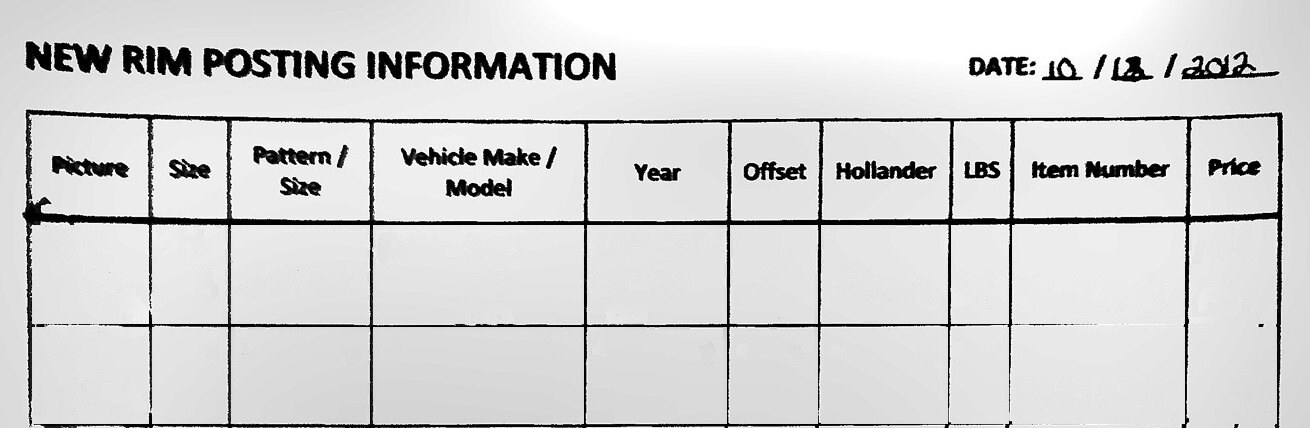
The owner had previously hired an assistant to manually list tires for sale on eBay, one by one, by hand. Each listing was created from scratch every time, and it took up to 30 minutes from start to a published eBay listing. The first thing I noticed was the pattern: continuous repetitive tasks, excessive time from start to finish, mistakes in several steps of the process. So I built a printable sheet that was filled in by hand, checked, and then handed to someone else to post.
 AllOEMRims.com Templatizer×


The paper form that became the tool, October 18, 2012. Ten columns filled in by hand, checked, and handed to someone else to post; fourteen years and two rebuilds later, most of those columns are still in the production database.
Fourteen years and two rebuilds later, the company runs on what that sheet started. A wheel gets identified, priced, listed on every channel, pulled from everywhere the moment it sells, picked, packed, shipped, answered for, and entered in the books - all through software I either programmed myself or, more recently, directed AI to build.
The counts come from the live database, the payment records behind it, and the system’s own logs. The listing time is one rim through the system, start to finish, against 30 minutes by hand in 2012.
An eight digit barcode on every wheel
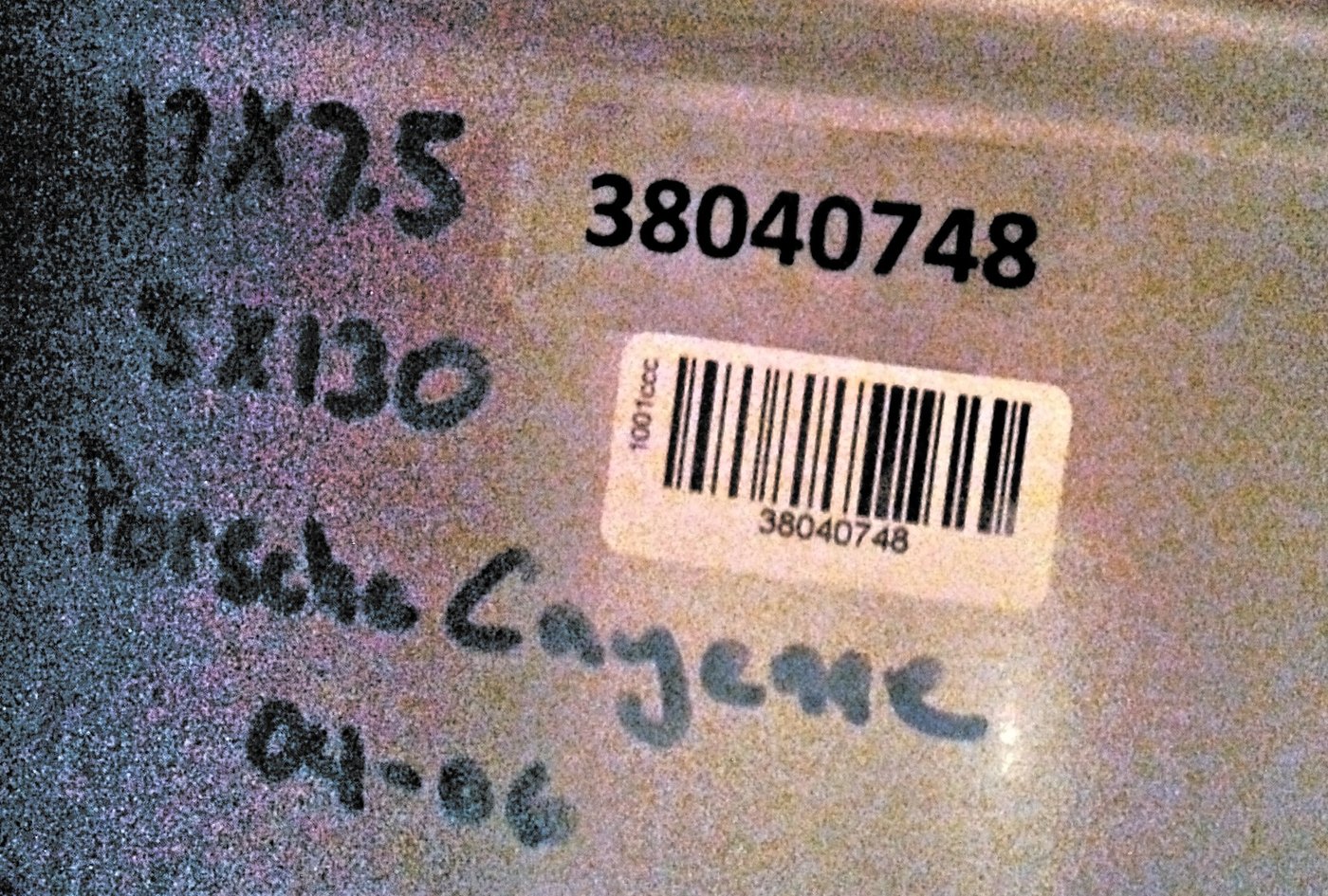
On the operations side of the business, almost immediately we had an inventory problem: how do we keep track of it all? We needed serializing. I decided to invest in a barcode scanner and a label printer, and develop a quick bit of software that would generate a random SKU for every product. I chose 8 digits because with that many possible numbers, a repeat was never a real worry. That printed barcode went on every product that moved in our system and was tracked as soon as it was photographed by the team.
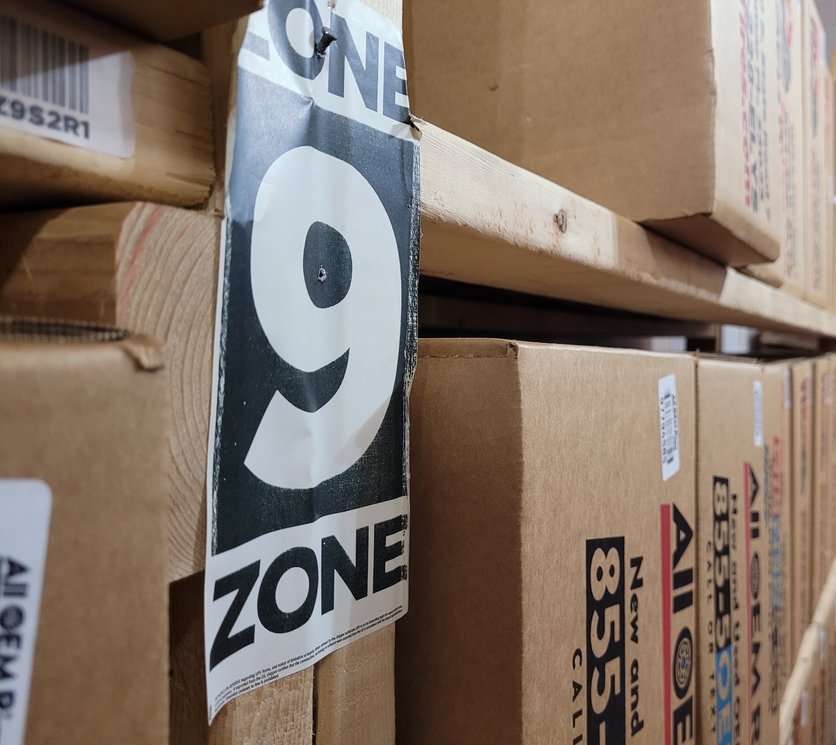
We fitted storage locations with shelves, each section and row on a shelf getting its own location barcode that is attached to every SKU that lands on it. That way, the product can be tracked from the moment it arrives, and the team always knows where the product is when it sells.
A tool built in one day halved the listing time
Now that we have a logistics system in place, how can we speed and scale up the production of the operation? Our bottleneck was still posting - we needed a way to go from paper to eBay quicker.
At the time, the shop was paying a vendor to sync its website with eBay. It didn’t work out, and we cancelled it at the end of October 2012.
That piece of paper went digital in the fall of 2012. On January 31, 2013, in a single day, I developed an app called Templatizer that took that spreadsheet data and generated a company-branded HTML template, specific to the actual product, that was pasted directly into eBay. Then it became a self-hosted online tool I built for the team to directly input the product data into instead of the Excel sheet. They entered pricing information, and a text field allowed them to enter in any extra information that might need to be passed along to the customer regarding that particular product.
Templatizer cut posting times in half, but I still wasn’t satisfied. I needed to find a way to bridge the gap between Templatizer and eBay so there was a more direct line between them. I found another outside vendor offering software that did just that - it would sync our eBay listings down to our website and sync the stock levels so when one sold, the other ended. Unfortunately the vendor didn’t work out, but the idea stuck: we needed Templatizer to post more direct to eBay. So I got to work, and by January 2018 I had built a tool within Templatizer that exported a CSV file directly to our website and into WooCommerce within a WordPress site. Then, a WP plugin transferred those products directly to eBay with the same SKU, HTML description, pictures, quantity, price and other variables. Those products stayed in sync and when one sold on our website, it ended automatically on eBay within seconds.
What the paper sheet grew into
Thirteen years later, this is the evolution of Templatizer.
Intake and cataloging
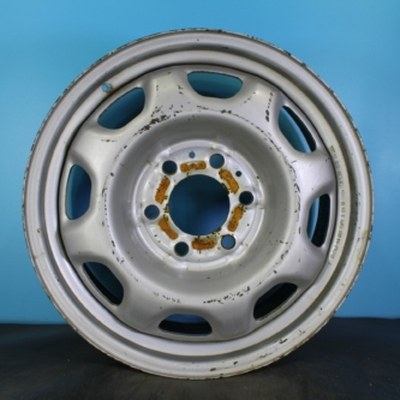
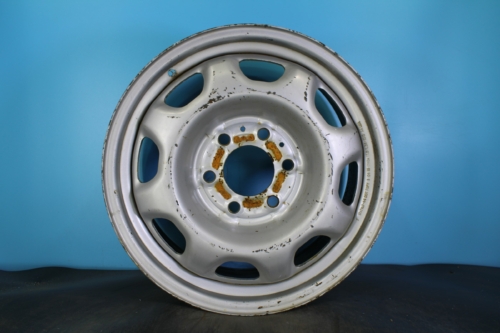
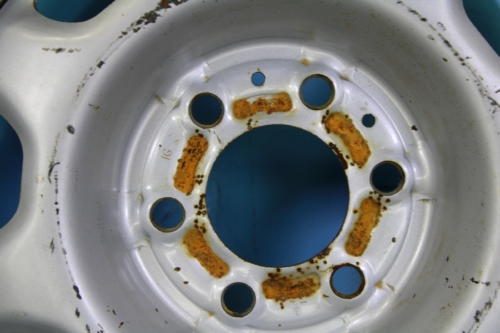
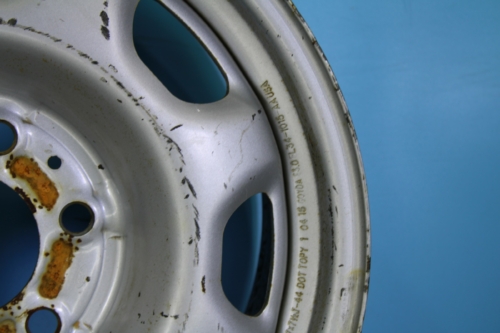
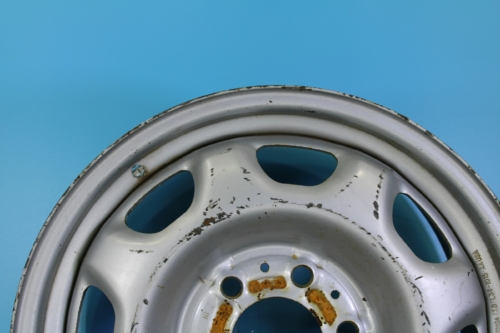
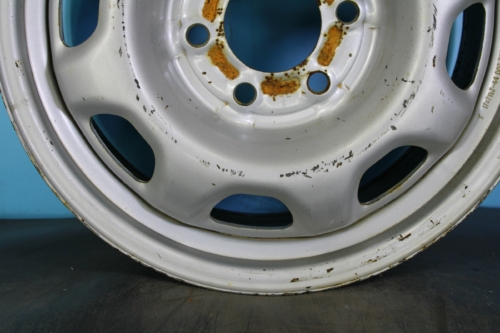
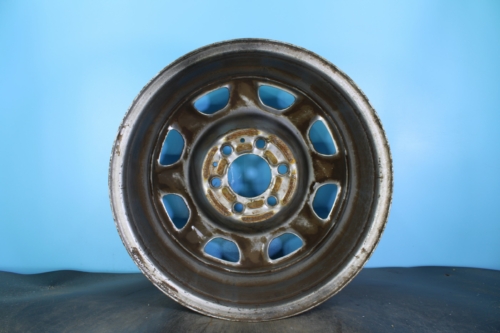
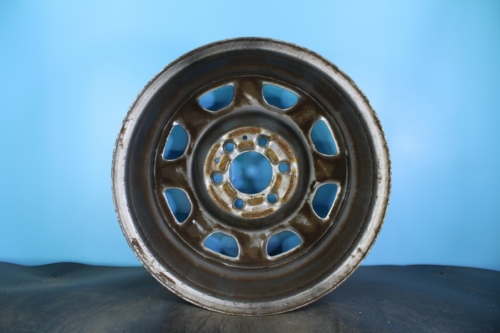
The listing tool I designed, feeding the store I built. One wheel: photographed on the rack, looked up by its Hollander number, priced, and on the storefront and eBay. 22,000+ orders through it since 2012.
There are now several ways to post products. Emailing products to the system automatically builds a product listing for emailed lists. In the spring of 2026 I also directed AI to build a photo drop: dropping a batch of product photos automatically created product listings based on the photographed Hollander number and barcode pictures.
All products flow into the staging queue, which consists of 2 sections: ready and not ready. Rims that drop into the ready section are priced, photographed, and ready for listing directly to eBay. Products that are missing information are automatically placed in the not ready section for further processing by a team member. Once the listing is corrected and saved, it’s automatically moved into the ready section for posting.
Center caps on a phone. The person holding the bag says how many identical caps are in it, and the bag becomes one label and one listing.
Product History. One wheel's life in order: entered from a photo, listed on the website and eBay, repriced, sold on eBay, then ended and hidden everywhere else within the same minute.
I captured these on a copy of the system loaded with invented wheels, so none of the records in them are real. The lookup sources’ names are taken out of the Add Rim screen.
Listing, channels, and price
The price updater, inside the WordPress admin. A price check sorts a whole category into green, yellow and red. Opening a row shows the competitor listings behind its suggested price, cheapest first.
An expensive mistake was trying to sell a one-of-a-kind inventory piece twice. The wheels sold through our site, multiple eBay accounts, and a wholesale feed. So I designed a system where publishing a listing put it everywhere it needed to be. A single sale then pulls the item from all those locations automatically.
I also kept track of the daily API access budget for these actions. This prevented a busy work day from exhausting the limit and stalling our processing queue.
Used or refurbed versions of the same wheel were linked as “twins”. If someone bought one piece, it’d immediately end the listing for the corresponding “twin” piece. That single rule prevented a whole class of oversell errors that would have been nearly impossible to keep up with by hand.
Pricing used to be set once and then forgotten. Now I check prices against live competitor listings constantly. If we find the same part in inventory, and a new one comes in fractionally under our own cheapest listing, we adjust immediately. The system also emails a weekly report detailing what prices need to be adjusted for which products.
The API Quota tab. The daily eBay call budget. Each kind of call gets its own allowance below eBay's limit, so a busy day can't stall the queue.
These come from the same copy, with invented wheels, prices and competitor listings.
The storefront

Point a camera at a wheel and search the inventory with it. What they have is a phone and a picture of the wheel they need. So the homepage leads with a camera: photograph a wheel, and the site tries to identify it.
Most people shopping for a wheel don’t know their bolt pattern, their offset, or what a Hollander interchange number is. What they have is a phone and a picture of the wheel they need. So the homepage leads with a camera: photograph a wheel, and the site tries to identify it.
Underneath that are landing pages for every make, filtered by year, size, model and finish, and a search box that understands plain phrases like “2019 honda accord 17”, and a notify-me system that emails a customer when the wheel they wanted comes back in stock.
The Warehouse
The warehouse app again, this time in a picker's hand. Each rim sits in a pool of racks: tap the one you took it from and that rack counts down by one, the order ticks itself off, and the next refresh moves it on to Pack and Label.
When it comes time for shipping every afternoon, there’s always one question: what do I pull? The app automatically displays the to-pull list when first opened. It is phone-first, and it moves an order through five stages: to pull, at refurb, pack and label, ready, completed - all selectable while out in the field so the event can be logged.
Some of our storage locations are outdoors, so a paper barcode simply won’t hold up. So on those shelves, a wheel might be tracked by its interchange number. The app compensates for that, and can intelligently discern between an outdoor location and an indoor location. Tapping a rack location within the app picks from that rack, decrements that shelf, and marks the order pulled in the same gesture. That event is updated within the Ledger ↓. The same screen buys the shipping label, and there is even a custom display mode for the tablet on the wall, the same idea as an order screen in a restaurant.
The warehouse app, on the tablet by the packing bench. One order from the pack lane to a FedEx label in five taps: box, weight, cost, carrier, review. Designed for someone standing up with gloves on.
The orders, racks and buyers on these warehouse screens are all invented.
Customer relationship management
Customer questions attach to the order they are about, so anyone picking up a thread sees the whole history rather than a subject line. Customers reach their own ticket without an account, through a signed link.
The confirmation and every staff reply arrive by email with a button back into the thread. Only our server can sign the link behind it. It opens the conversation without the staff’s internal notes, and the customer can reply and add photos until the ticket closes. A bad or expired link lands on a branded page that says it doesn’t work, instead of an error. Website buyers can also start a ticket from the order itself, so the question arrives already attached to it.
One of the last things I directed AI to build answered the phone. A voice agent handled the calls that were really lookups, checking an order or a fitment, and handed anything else to a person with the context already gathered.
Every ticket and call here is invented. The only real number in them is the shop’s own toll-free line.
The Ledger
Keeping track of P&L was a tedious nightmare, at best, so I directed AI to build a tool to replace the arduous task of filling in Excel sheets every Friday.
Every order from every sales channel now lands in one table: marketplace, website, wholesale, and walk-in. Profit is calculated per order from the real costs, including refurb labor, packaging, commission, shipping, and the marketplace fees that arrive days after the sale settles.
Cells are editable in place, and every edit is written to an audit log with who changed what and when. It flags the same wheel sold twice, which in a one-of-a-kind inventory is the expensive mistake. A weekly scoreboard compares this business week against the same point in the last one, so a slow week is visible on Wednesday rather than the following Monday.
The Hub
The Hub. Each person lands on the tools they need and nothing else; the vault of shared logins is one of the tiles. Each person's Hub is a short list of tools an admin sets, in order. The same page on a phone with no session. Unlock with Face ID, or enroll the phone with a one-time setup code.
Every business collects shared logins, and they end up somewhere like a note stuck to a monitor. The Hub is where they live instead, in an encrypted vault, alongside the way people get into the tools at all.
Staff reach their own tools four different ways: an emailed link, an Android app, a Face ID passkey saved to a phone’s home screen, or a desktop launcher. All four register against a single device list, so revoking access takes one click and kills the live session on the next request. Each person sees only the tools they need.
Every shelf got an address, from the building inward
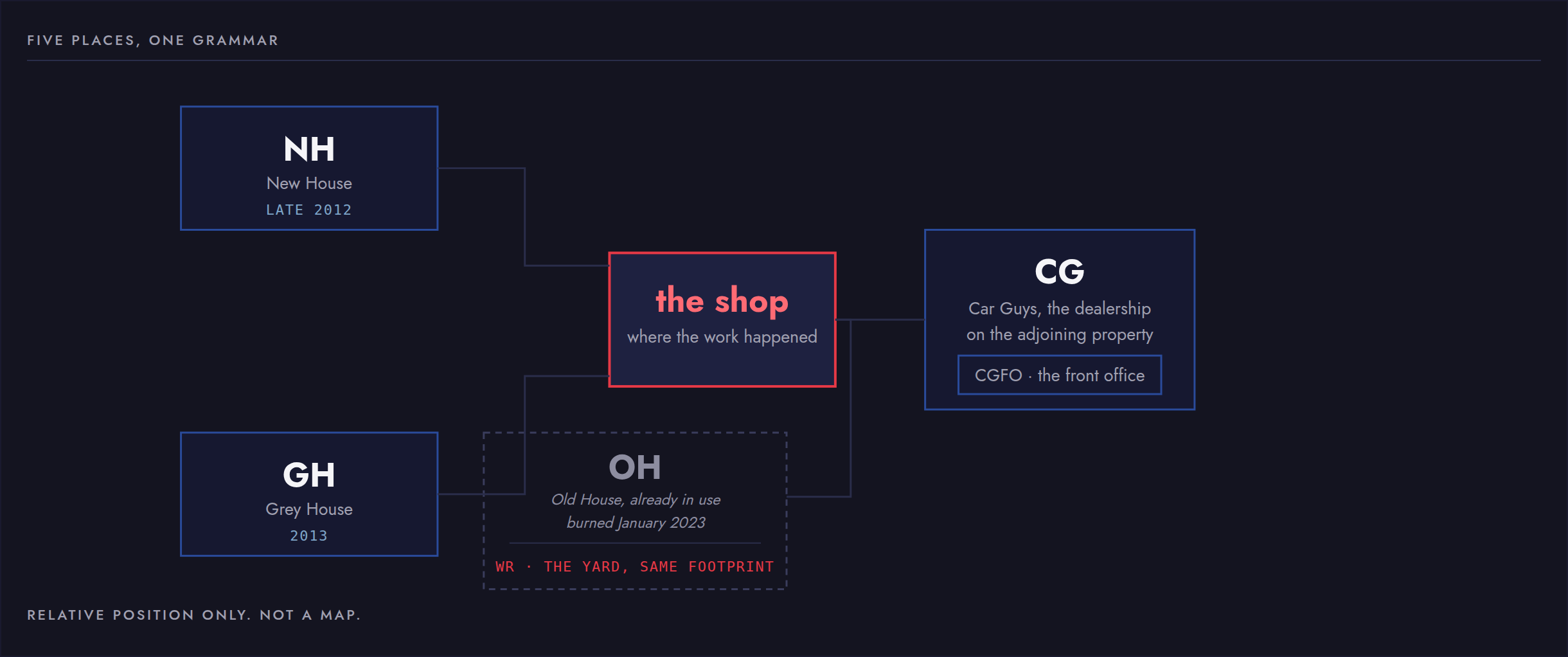
A wheel is not a book. It weighs twenty to thirty pounds, it is usually one of four or more, and it lives wherever there was room the day it arrived. And this was not a warehouse. Being a small business, our storage facilities were actually once people’s homes: three gutted properties in the neighborhood around the shop, plus a few rooms in the back of the sister dealership on the adjoining lot.
That’s a logistics problem, and a difficult one at that. Properties like that can’t be easily changed or rebuilt, so instead we built shelves where kitchen tables used to sit, shelves in bedrooms, bathrooms, porches. Each location needed a name, and they were mostly named after their location within the actual house.
NH   LR    Z1   R2
 |    |     |    +--- row, the shelf level the box sits on
 |    |     +-------- zone, the run of racking
 |    +-------------- room, inside that building
 +------------------- the building
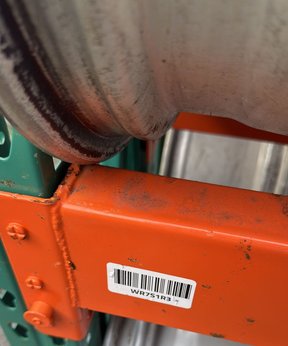
A location reads as a path, from the outside of the building, inward. It’s the same method no matter the location: shop, house, yard.
One label for the wheel, one for the shelf
The wheel carries an eight digit number on a label stuck to its box. The place carries its own label on the rack. Scanning both is what puts a wheel somewhere, and neither one means anything without the other.
Every interface I have built since has some version of it: something a person reads quickly and approximately, and something a machine reads exactly, describing the same object, kept in step with each other.
The house burned down and the grammar kept going
In January 2023 the Old House burned. The roof was lost, the building came down, and open yard shelving went up on the same footprint. The code changed from OH to WR, for Wheel Rack. Nothing else about the system changed. A zone is still a zone and a row is still a row, and the address still works when there is no longer a building around it.
I designed the box the system tracks
Every rim we ship, no matter if it’s 15″ or 20″, gets its own box. It’s a custom cut, custom print that I designed. Each box is double-wall corrugated cardboard designed to fit the most popular wheel sizes snug and secure. It went to the factory in September 2012, two plates and two colors, and it stayed in production until the rebrand, when I redesigned it as a 3-color print. The eight digit SKU barcode goes on that box. So I drew the container, the label that identifies it, and the address of the shelf it sits on, and they are one solid system rather than three.
The labels track the company. The first set had no branding at all, because at the moment, I needed numbers to print and didn’t have time to design one. Then our first branded barcode, Ely's Tires Online. Then AllOEMRims after the rebrand, and I designed that logo too. Today the software I directed AI to build composes them: two inches by one and a quarter showing the SKU, vehicle information, color and the wordmark drawn into the label format itself.
Because of this inventory system, we have printed over 20,000 barcodes over the last fourteen years, keeping our inventory tracked and able to be found in a moment’s notice as soon as it has sold. Every few months we scan through all of the barcodes and reconcile them with our online listings to ensure inventory is always in sync. It has saved us thousands in lost dollars due to misplaced or oversold stock.
Photos of the box and the two branded labels are on the AllOEMRims brand page.
The addresses outlived the buildings
The grammar I invented for a gutted house in 2012 is a resolution tier in production code today. When the system needs to know where something is, it asks in order: a yard scan, the locations table, the barcode import, then the stored value. One import in August 2026 wrote 584 barcodes, every one of them a “Grey House” tag.
Fourteen years, three houses, one fire, a rebrand and a “new” yard, and the address format never changed. Those same labels are still on those same shelves.
That is the argument I would make for this whole section, and it is not really about barcodes. Given a set of buildings that were never meant to be a warehouse, I gave them an address system and a way to read it, and it outlived the buildings.
Nothing could go down while the shop was selling
Fourteen years of running one system inside a business that is open every day except Sunday teaches things a fresh project cannot. Nothing could go down, because the shop was selling while I was deploying. Every change to the database had to be one I could undo. Every new rule had to leave a decade of old records readable.
Being open every day but Sunday also decided how everything looks. The people using it are busy and not technical, so the pull list opens first, the shelf location sits on the card instead of behind a tap, and the app says “I do not know” instead of guessing. Software that is quietly wrong is worse than software that is missing.
The center caps, the small covers that snap into the middle of a wheel, taught me the version of that I keep. The obvious design pooled identical caps by part number. One part number turned out to cover several designs, so the system was quietly merging physically different caps into a single listing. I tore it out and replaced it with a person declaring how many are in the bag they are holding. The machine is better at the counting. The human is better at knowing what is the same.
The first rim spreadsheet had thirteen columns of data, and eleven of them are still columns in the live database. Eleven of thirteen is the number I come back to. Three months deciding what a wheel is, one day writing it down, and fourteen years later most of those decisions are still holding weight. I did not know at the time that the decisions were the work. That is the part I would tell anyone starting something like this.
From the archive
Two of the four generations still run, and they are here to open. The tool as it stood after six years of daily use is one of them, and the catalog that came before it is the other.
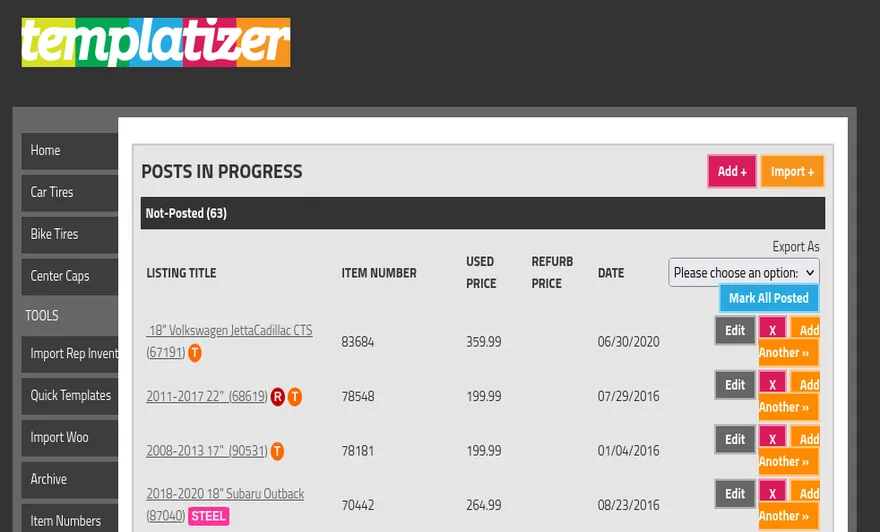
And the whole run in date order, four generations over fourteen years. The last frame is today’s system, captured on a copy loaded with invented records, because every screen of the live one holds real customer records.
From the files